


Claude Code Policy: Write Managed Settings Fast

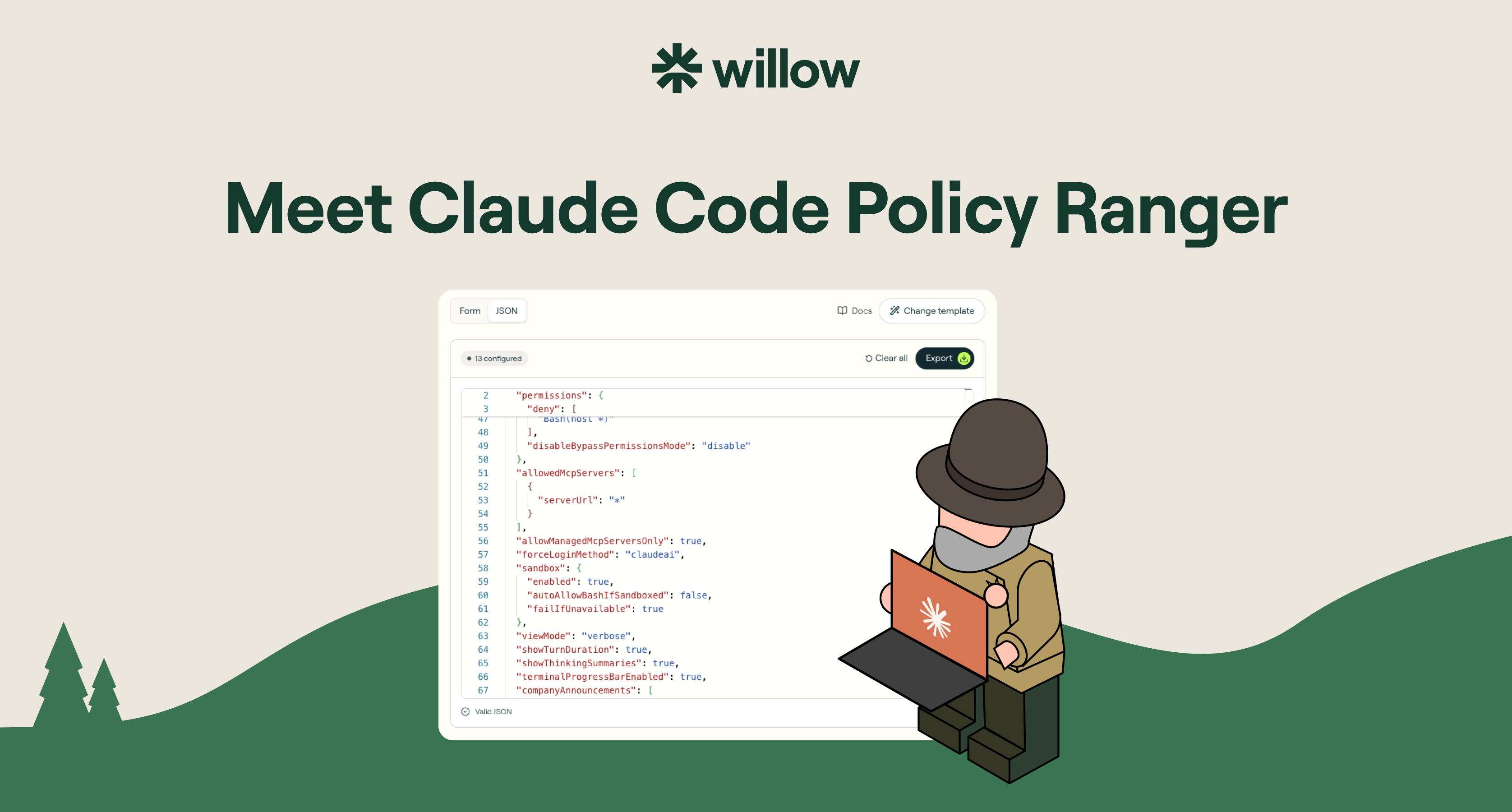
If your developers are using Claude Code, one file decides what it is allowed to do on their machines: the managed-settings file. It can lock down almost anything. That power is also the problem. Most security and platform teams open it, see how much it covers, and freeze on what to actually set.
This is a practical guide to what a Claude Code policy is, what you can control with managed settings, and how to write one in minutes instead of hand-editing JSON.
What is a Claude Code policy?
A Claude Code policy is a set of managed settings that govern how Claude Code behaves on a machine: which tools it can use, which commands it can run, which MCP servers it can reach, and more. It is defined in a managed-settings file and enforced at the system level, pushed through your MDM. The key word is managed. Unlike local settings, a developer cannot edit it away or skip it.
For any team rolling Claude Code out past a handful of engineers, this file is the difference between governed adoption and hoping for the best.
Managed settings vs local settings
Local settings live in the developer's home directory. Anyone can edit them, delete them, or bypass them with a single flag. They are a suggestion.
Managed settings are policy. They are pushed through your MDM (Jamf, Intune, or your tool of choice), enforced on every session, and a developer cannot override them. This is how you say yes to Claude Code without betting your codebase on the honor system.
What you can control with Claude Code managed settings
The managed-settings spec is broad. The main controls:
- Bash commands. Allow, ask, or block per command. Stop
curl,wget,sudo,git push,scp, andrsyncbefore they run. - MCP servers. Managed servers only, or none at all. No developer wiring an unreviewed server into your repo.
- Model configuration. Force Claude.ai account login, block raw API keys at startup, set the models you allow.
- Hooks. Disable hooks entirely, or scope exactly which ones can fire.
- Secrets and files. Block reading
.env,secrets/**, SSH keys, AWS credentials, and service-account files. - Network tools. Block
WebFetch,WebSearch,curl,wget, andncfor air-gapped sessions. - Bypass mode. Disable
--dangerously-skip-permissionsso no one steps around the policy.
That is real coverage. It is also exactly why teams stall: a blank file with this much surface area is intimidating, and the docs tell you what each setting does, not what you should set.
Why teams stall, and how to skip it
The honest pattern we see across rollouts: the managed-settings file is powerful but vague, so the policy ends up half-written, copied blind from a gist, or never written at all. The teams that most need governance are the ones staring at a blank JSON file on a Friday afternoon.
The fix is not more documentation. It is a starting point. Begin from a hardened baseline a real security team would ship, then adjust.
Write a Claude Code policy in minutes with Policy Ranger
Policy Ranger is a free Claude Code policy builder. Pick a baseline, tune the rules in a visual editor, and export the file your MDM can push. No hand-written JSON, no signup.
It is built on Anthropic's published managed-settings spec, with defaults drawn from real Claude Code rollouts at companies governing AI in production, including Wix, Innovid, and Riskified. You are not starting from zero. You are starting from a policy that already reflects how careful teams deploy.
Pick a baseline by risk level
Start from the tier closest to your posture, then make it yours:
- Minimal. Light guardrails, zero workflow friction.
- Standard. The recommended baseline for most teams.
- Strict. Hardened for security-conscious organizations.
- Lockdown. Maximum restriction. Read-only, agent-free.
Deploy it across every machine via MDM
Export in the format your stack uses: managed-settings.json for Linux and file-based deployment, a .mobileconfig for macOS MDM, or a .reg file for the Windows Registry. Push it through Jamf, Intune, or group policy, and it enforces system-wide. Developers cannot override it.
Beyond Claude Code
A Claude Code policy governs one agent on the machines you push it to. But your developers are also running Cursor, ChatGPT, Gemini, and the MCP server someone installed this week. Governing every agent, with identity, runtime guardrails, shadow-AI detection, and a full audit trail, is what Willow does as a platform. Policy Ranger is the free first step.
FAQ
Is Policy Ranger free? Yes. Unlimited policies, every tier, every export format. No signup to build or export.
Can developers override a managed-settings policy? No. Managed settings are enforced at the system level through your MDM. That is what separates managed settings from local settings.
What can I export? managed-settings.json for Linux and file-based deployment, .mobileconfig for macOS MDM, and .reg for the Windows Registry.
Is this an official Anthropic product? No. Policy Ranger is built by Willow on Anthropic's published Claude Code managed-settings spec.
Build your Claude Code policy
Stop hand-writing JSON. Pick a baseline, tune the rules, and export for your MDM in minutes. Build your policy, free.
Background Agents in the Enterprise
Most teams can spin up an agent. Few can deploy one their security team signs off on. Here's the framework that does both.
FAQS
Everything you need to get your Basecamp running.



Your agents are already in the wild.
Give them a Basecamp. Go from AI chaos to AI work, in minutes.
