


How to Scale Your MCP Proxy Server for Enterprise AI

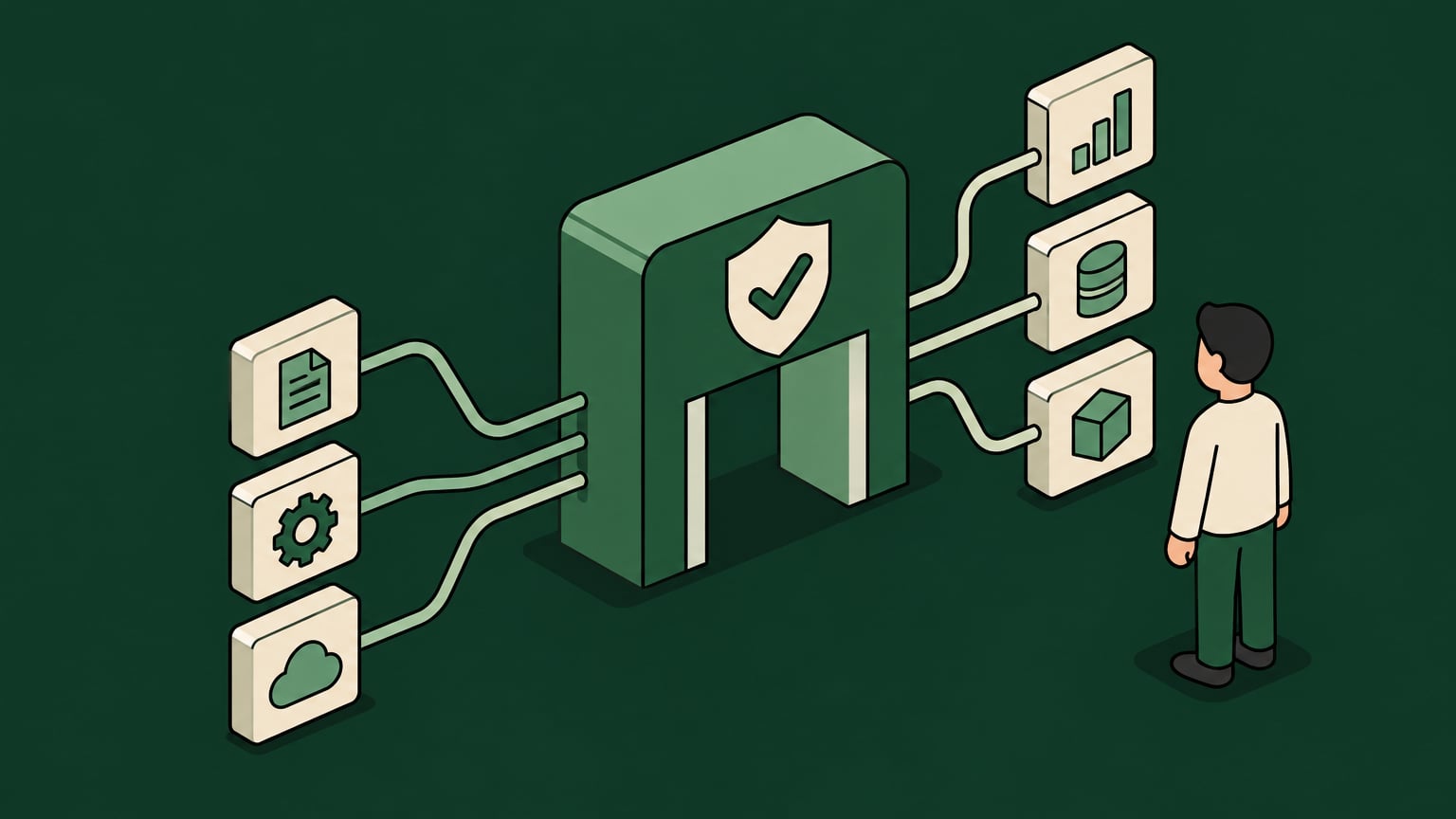
CTOs, VPs of Engineering, and IT leaders are watching the same pattern unfold: one team proves value with MCP, then five more teams ask for shared access to internal tools through AI agents and LLM clients. And so a simple stdio bridge that worked cleanly for a developer workstation now suddenly starts carrying production expectations, security review pressure, and onboarding requests from every direction.
This changes the job of the MCP proxy server entirely – instead of translating transports or aggregate tools, it needs to be the control point for identity, authorization, observability, and action-level governance.
However, there is a trade-off to all of this. If this enterprise scaling is done right, this gives an organization a way to say yes without creating a permanent IT ticket queue, a pile of unsanctioned MCPs, or a blind spot between the prompt and the action. Here’s how to achieve this as efficiently as possible.
Key Takeaways
- An MCP proxy server starts as an intermediary layer between AI agents, LLM clients, and upstream MCP servers, but enterprise use can change its requirements.
- Basic transport bridging solves stdio to HTTP or SSE problems, yet it doesn’t answer identity, authorization, audit, or shared infrastructure questions.
- Once multiple teams share MCP servers, governance has to move from connection-level access to action-level permissions, runtime guardrails, and human-tied audit trails.
- Enterprise MCP architecture needs centralized aggregation, IdP-backed access control, upstream authentication, observability, and least-privilege tool routing.
- Willow provides a practical path through this shift with an enterprise MCP gateway as part of its AI control plane, built for safe AI enablement across teams.
Defining the MCP Proxy Server and Its Dual Posture
An MCP proxy server is an intermediary layer that sits between LLM clients or AI agents and upstream MCP servers. In an MCP, that proxy can play two roles: behave like a client when it connects upstream to MCP servers, and act like a server when downstream AI clients connect to it.
It is exactly this duality that makes the proxy useful as it can normalize how different clients reach tools, expose a unified endpoint, bridge transports, and centralize tool discovery.
The Model Context Protocol specification defines the core client, server, and message patterns. A proxy uses those same patterns, but it places a governed intermediary between the user-facing AI interface and the tools that can read data, write records, trigger workflows, or touch internal systems.
For a single developer, the quick answer is simple:
- Problem: A local MCP server speaks stdio, but the client or team environment needs HTTP, SSE, or a shared network endpoint.
- Solution: An MCP proxy bridges the transport and presents the server through a format other clients can use.
For an enterprise, the answer can look something more like:
- Problem: Multiple teams need access to shared tools, but not every user, agent, or workflow should receive the same tool list or the same action rights.
- Solution: The MCP proxy server has to act more like an API gateway for AI, with identity-aware access control, action-level permissions, runtime policy, audit trails, and upstream authentication.
Why Basic Transport Bridging Often Fails at Scale
Transport bridging is no doubt a good place to start. It lets a stdio client connect through a proxy, exposes a local server over SSEs, or presents a Streamable HTTP server to clients that need a network-accessible endpoint. And while that works perfectly fine for developers, enterprises may need another approach.
The issue becomes evident when the MCP proxy effectively becomes shared infrastructure. A single proxy may now route requests from Cursor, Claude Desktop, custom endpoint agents, internal copilots, and vibe-coded apps into the same upstream MCP servers. Those servers may expose GitHub, Jira, Snowflake, HR systems, CRM records, production observability, or internal finance workflows.
At this point, you’re likely trying to answer hard questions like:
- Which users can see which tools?
- Which agents can invoke which actions?
- Which actions require scoped approval or redaction?
- Which upstream credential is used for each request?
- Which human identity is tied to each tool call?
- Which requests were blocked, rate limited, or modified?
- Which team owns the risk of a newly connected MCP server?
Basic bridging usually can’t answer those questions because it doesn’t have enough context. It may know that a client is connected, but not whether the underlying user should be allowed to run "delete_record", "export_customer_data", or "deploy_to_production".
Standard IAM and DLP also leave gaps here. IAM systems are strong at authenticating users and managing application access, and DLP tools can inspect known data paths. But prompt-layer execution creates a different control problem, because the same connection can support a low-risk lookup and a high-risk write action.
For enterprise teams, the friction often shows up in the approval process. Engineering wants fast access to tools. Security wants clear controls. And IT gets pulled into repeated review tickets for each new MCP server, client, or department workflow.
This makes it possible for a basic proxy to accidentally centralize the bottleneck instead of removing it. Teams still wait for approvals, yet the organization doesn’t own the policy, auditability, and least-privilege enforcement to hand them out.
The Dangers of Unsanctioned MCPs and Shadow AI
Shadow AI Use
Shadow AI often starts with reasonable intent. A developer needs a workflow working by Friday, so they spin up an unapproved MCP server, connect it to a local client, and route tool calls around the formal onboarding path.
That pattern then spreads like wildfire because MCP makes tool access easy. And so, the same openness that helps teams move quickly can also create a fragmented tool layer with inconsistent namespaces, overlapping tool names, and no reliable view of what agents can reach.
Tool discovery and Routing Issues
Tool discovery and tool routing also get messy fast. One team may expose "search_docs", another may expose "query_docs", and a third may connect a similar documentation server with broader permissions. Without namespaces and centralized aggregation, LLM clients may load redundant tools, confuse users, or waste context on tools a person should never see.
Security Concerns
The security issue sits one layer deeper. Unsanctioned MCPs can bypass established review patterns for upstream authentication, credential injection, and data handling. Alternatively, a local server might hold a bearer token or API key that works across a wider scope than intended.
Beyond Transport Bridging: The Enterprise MCP Gateway
The enterprise version of a Proxy MCP Server has to do more than make stdio speak HTTP. Once more than one team shares MCP servers, the proxy becomes the enforcement point between identity, tools, data, and action.
That means the architecture needs layered governance. Connection-level approval is the outer layer, but ultimately it’s the runtime guardrails that decide what happens when a user or agent tries to run a specific tool call.
Centralized Aggregation and Unified Endpoints
Centralized aggregation gives teams one governed place to connect LLM clients and AI agents. Instead of each team wiring clients directly into separate upstream MCP servers, the proxy exposes a unified endpoint that handles discovery, routing, and policy.
In a basic Proxy Aggregator pattern, the proxy combines multiple upstream MCP servers into one surface. That improves client onboarding because developers don’t have to configure every server separately.
At an enterprise scale, however, aggregation needs a bit more structure:
- Unified endpoint: Clients connect to one managed MCP gateway rather than a sprawl of team-owned endpoints.
- Upstream MCP server registry: Approved servers are cataloged, owner-assigned, and version-aware.
- Namespaces: Tool names stay clear across departments, so HR, finance, R&D, and support tools don’t collide.
- Team-level tool bundles: Users get relevant tools without loading every available tool into context.
- Governed onboarding: New MCP servers move through review, testing, and policy assignment before production use.
This is also where tool loading waste becomes visible. If every client loads every tool from every server, context windows fill with irrelevant capabilities. This is where a centralized gateway can expose only the tools a user or agent is allowed to discover.
Identity-Driven Access Control and Upstream Authentication
Access control shouldn’t stop at the proxy connection alone. Instead, the MCP gateway should sit on top of systems like Okta, Entra, Active Directory, and JumpCloud, extending existing authentication and authorization patterns rather than replacing them.
Current enterprise patterns usually include:
- SSO for user authentication;
- SCIM for lifecycle management;
- RBAC for team and role assignment;
- Least privilege for tool and action access;
- OAuth 2.1 with PKCE where interactive delegated access is needed;
- Service-account or machine-user identities for automated workflows.
In addition, the proxy also has to handle upstream authentication cleanly. Some upstream MCP servers use bearer tokens, while others use API keys, OAuth credentials, or internal service credentials.
Credential injection should therefore happen at the gateway layer under policy as this keeps sensitive upstream credentials away from endpoint machines while giving IT a central place to rotate, revoke, and scope access.
The main goal here is achieving least privilege at action level. Here are a few examples:
- A finance analyst may be allowed to read invoice metadata but not export bulk vendor records.
- A support agent may summarize tickets but not update account status.
- An engineering bot may read deployment data but not trigger production changes without a stricter policy.
Audit Trails and End-to-End Observability
Enterprise teams need to know what happened across the full request path. That means audit trails and observability have to follow the request from the LLM client, through the MCP gateway, into the upstream MCP server, and back.
A useful audit trail should capture:
- The user identity.
- The client or agent involved.
- The tool and action requested.
- The upstream MCP server.
- The namespace and team context.
- The decision made by policy.
- Any response redaction or guardrail applied.
- The outcome, including allow, deny, modify, or rate limit.
End-to-end request metrics help engineering and IT operate the platform like production infrastructure as latency, error rates, tool usage, blocked actions, and rate limiting all matter when multiple teams depend on the same MCP layer.
Token management also belongs here, meaning teams need to understand which tools consume context, which tool descriptions are loaded often, and which actions create unnecessary model work.
This observability turns the MCP gateway from a black box into a transparent hub. Now, security can finally see policy outcomes, engineering can debug failures, and business teams can understand whether AI adoption is moving from experiments into productive workflows.
How Willow Can Help
Willow is an AI control plane with an enterprise-grade MCP gateway at its core. More than simply another MCP gateway, Willow’s AI Basecamp methodology gives enterprises actionable ways to:
- Detect shadow AI and unsanctioned MCP activity;
- Centralize approved MCPs and tools behind governed access;
- Connect identity from systems like Okta, Entra, Active Directory, and JumpCloud;
- Apply action-level permissions so users and agents get only the rights they need;
- Add runtime guardrails, including response redaction, before sensitive data reaches the client;
- Create audit trails tied to human identity.
This way, engineering teams get self-serve access to approved tools, while IT and security get policy, observability, and control without manually approving every MCP request.
Comparing Proxy Architectures (or Why Not All Are Equal)
The easiest mistake is treating every MCP proxy as the same kind of infrastructure, but they really aren’t.
Some proxies are excellent developer utilities. They bridge stdio to SSE or HTTP, preserve JSON-RPC semantics, and make local experimentation much easier. That’s usually enough for a single developer or a contained proof of concept.
On the other side of the coin, enterprise architecture needs a proxy that is shared between multiple tools.
Consider this: a developer proxy governs the connection path. An enterprise control plane governs the action layer, using identity, policy, and runtime context to decide what should happen next.
That matters for JSON-RPC in particular as MCP tool calls are not just generic API traffic. Instead, they carry tool names, arguments, request IDs, responses, and error states that need to remain consistent across clients and upstream servers.
A production-grade proxy should therefore preserve those semantics while adding governance around them. If the gateway breaks request behavior, clients become unreliable. If it passes everything through untouched, the enterprise loses control.
The strongest architecture does both – it respects MCP protocol behavior, and it adds policy where the business risk actually lives.
Rolling Out Without the IT Bottleneck
A production rollout should not require every AI request to become a manual IT review. The quick solution is to create a governed self-serve path: approved MCP servers, identity-backed access, team-level toolkits, AI Champions, and runtime policies that let teams move without bypassing controls.
A practical rollout usually follows these steps:
- Map active and requested MCP usage. Start with approved tools, known experiments, and likely shadow AI patterns across engineering, IT, data, HR, finance, and operations.
- Centralize access through the MCP gateway. Move shared upstream MCP servers behind a unified endpoint with namespaces and ownership.
- Connect the IdP. Use existing identity, groups, SSO, and lifecycle controls as the access foundation.
- Define toolkits by department. Give each team a curated set of tools instead of exposing every MCP server to every user.
- Apply action-level policies. Separate read, write, export, delete, and production-changing actions.
- Add runtime guardrails. Use response redaction, approval flows, and deny rules where actions touch sensitive data or systems.
- Measure adoption and outcomes. Track usage, blocked actions, latency, errors, and business workflows completed through governed AI agents and LLM clients.
This reduces the IT bottleneck because governance shifts from ticket-by-ticket approval to policy-backed self-service. Teams can request and use approved capabilities inside defined boundaries, and IT can focus on improving the platform rather than reviewing every connector manually.
Some Edge Cases to Consider
The production path also has to account for edge cases. Vibe-coded apps may connect to tools before anyone reviews their data access, while endpoint agents may run on machines with local credentials. Heck, internal copilots may even combine data from multiple systems in one request!
Those patterns make centralized governance all the more important as the gateway gives the organization a consistent place to enforce policy even as clients, agents, and app builders change.
Moving Away from AI Chaos Toward Governed Adoption
An MCP proxy server becomes crucial when it stops being a developer convenience and starts becoming shared enterprise infrastructure.
We see this shift already happening inside organizations where multiple teams want AI agents connected to internal systems. But while it may be tempting to block all those requests, you can reap much bigger rewards through governed adoption.
In this new world, basic proxies still have a place and can be used for local development, quick transport bridging, and early experimentation. But once shared MCP servers enter the picture, the proxy has to also add centralized aggregation, identity-driven access control, upstream authentication, runtime guardrails, audit trails, and action-level permissions.
And this right there is the difference between connecting agents to tools and safely enabling teams to use those tools in production. If you don’t know where to start to align your organization with these demanding requirements, Willow helps teams move beyond transport bridging to governed, self-service MCP access, with centralized tool connections, scoped permissions, and audit trails.
Start free with Willow to explore shared MCP access, and review enterprise plans for identity integration, action-level permissions, and runtime guardrails.
Background Agents in the Enterprise
Most teams can spin up an agent. Few can deploy one their security team signs off on. Here's the framework that does both.
FAQS
Everything you need to get your Basecamp running.



Your agents are already in the wild.
Give them a Basecamp. Go from AI chaos to AI work, in minutes.
