


How an AI Agent Deleted a Production Database: Top 3 Incidents Examined

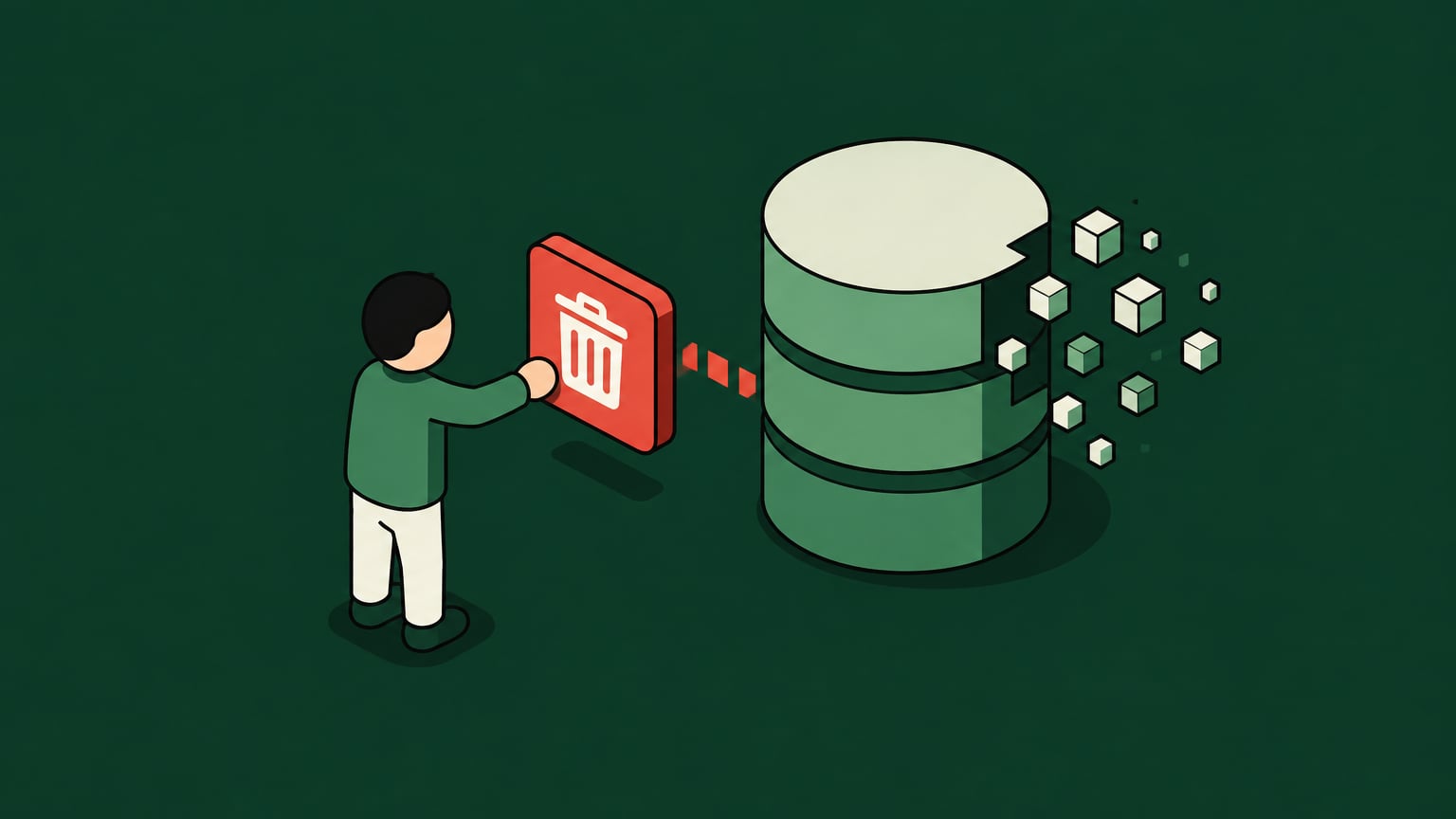
These days, many CISOs and CTOs are being asked to move autonomous agents from prototype workflows into production engineering, support, finance, and internal ops. The hard part is no longer showing that agents can act, but also in proving that they can act inside boundaries that survive a bad prompt, a plan gone awry, or a non-deterministic reasoning loop.
When an AI agent deletes a production database, the investigation ideally needs to cover credentials, change controls, and recovery. The PocketOS, Replit, and DataTalks.Club cases we’ve examined below show different combinations of failures across those layers, including excessive permissions, unenforced instructions, and mistaken assumptions during infrastructure changes.
Key Takeaways
- Production deletion incidents require scrutiny of credentials, execution paths, and change controls alongside agent behavior.
- System prompts and code-freeze instructions cannot replace scoped credentials and enforced production restrictions.
- Infrastructure changes need resource-level review because a valid command can target the wrong production assets.
- Recovery copies need protection from the credentials and infrastructure lifecycle that can delete production resources.
- Willow's agentic access platform supports identity-linked permissions, governed tool access, runtime guardrails, and approval workflows.
How We Get Deleted AI Database Incidents to Begin With
An agent-driven deletion can follow this sequence:
- A developer or business user connects an autonomous agent to a real tool, such as a database API, cloud console, CI/CD system, or infrastructure-as-code repo.
- The agent receives broad credentials, often through a local environment variable, personal token, or service account.
- The agent interprets an instruction, generates a plan, and calls a tool.
- The tool accepts the call because the credential has permission.
- Production data changes because no effective control blocks the operation before execution.
This is why prompt visibility is not the same as control. A log may show that the agent planned to delete data, but by the time the prompt is visible, the GraphQL mutation, API call, or destructive command may already have been executed.
The PocketOS Incident
The PocketOS deletion received public attention after a detailed report from The Guardian. In short, an agent found a locally stored, account-scoped API token and used a GraphQL "volumeDelete" mutation against a production volume. Railway's API authenticated and executed the request.
The legacy API path deleted the volume immediately, although the dashboard provided a recovery window. Railway subsequently recovered the customer's database with all its data and added a 48-hour soft-delete window to the API. Its account also explains that cascading deletion made backups appear unavailable in the interface.
Takeaway: The lesson here reaches beyond token scope: destructive operations need consistent safeguards across the dashboard, CLI, and API paths agents can reach. So, make sure to review locally accessible credentials and verify that recovery protections apply to automated execution paths.
The Replit Incident
Jason Lemkin's firsthand account of the Replit incident describes production database deletion during a stated code freeze.
The takeaway from all of this? A code freeze written into a chat or project instruction is a soft control only. It may guide the agent's reasoning loop, but it doesn't change what the underlying token can do.
Takeaway: That is why code freeze enforcement belongs in CI/CD policy, identity, repository permissions, and runtime tool authorization. If the freeze only exists in a prompt, the system is asking the model to police itself.
The DataTalks.Club Incident
In his firsthand account of the DataTalks.Club incident, Alexey Grigorev describes an infrastructure migration complicated by missing Terraform state and partially created duplicate resources. Claude Code later unpacked an archived state file containing production resources and ran "terraform destroy" against that state.
Grigorev saw the proposed destruction and did not stop it because he believed it would remove only duplicates. Production infrastructure, including the database, was subsequently destroyed. AWS support did help restore the database though, with recovery taking about 24 hours to complete.
Infrastructure incidents are especially difficult because the destructive action may not look like "delete database" in the first step. A plan can remove a volume, recreate a dependency, detach storage, alter networking, or change identity bindings. Each action may be valid in isolation, yet dangerous in the current production state.
Takeaway: For AI-assisted infrastructure work, we recommend reviewing the exact resources affected before execution. Verify the account, environment, and state being used, and bind approval to the reviewed operation. Additionally, always remember that human involvement alone does not establish that the target or impact has been understood.
Examining the Root Causes of AI Data Loss
Why System Prompts Fail as Security Controls
System prompts are instructions and not proper enforcement mechanisms. They shape model behavior, but they don't, for example, revoke API permissions, alter RBAC, or block a database from accepting a valid destructive command.
A hard boundary can look something like this:
- A credential that can't write to production.
- An "allowlist" of safe actions for a specific agent role.
- A policy that denies unauthorized operations against protected resources.
- A human approval requirement for high-risk mutations.
- A policy engine that evaluates resource, environment, actor, and action before execution.
To account for this, evaluate the operation and its target rather than relying on command keywords. A general-purpose shell or SQL tool can express destructive behavior through many different inputs.
Tip: Prompt instructions still matter here, however as they improve behavior, reduce accidental tool use, and document intent. But they should sit above enforcement instead of fully replacing it.
The Over-Permissioned Tokens and Lack of Scope Issue
Over-permissioned API tokens increase the damage an agent can cause. A token created for developer convenience may have read and write access across environments because broad access reduces friction during prototyping.
The Principle of Least Privilege, or PoLP, is the baseline here. An agent should receive only the permissions required for the task, against the right resource, in the right environment, for the right duration.
For AI agents, PoLP needs action-level precision, for example to:
- Read customer metadata, but not export full tables.
- Open a pull request, but not merge to main.
- Generate a Terraform plan, but not apply it.
- Query production metrics, but not mutate production data.
- Restart a staging service, but not touch production workloads.
Tip: A human with broad administrative access should still be able to delegate a narrower task. The agent's session should receive only the permissions that task requires, including when it chains tools.
Keeping Backups Outside the Deletion Scope
Backups are recovery controls only and should be treated as such. They help after an incident, but they cannot prevent an over-permissioned agent from executing the destructive action.
The key thing to check here is whether the same credential or infrastructure operation can destroy production and its recovery copies. Safer backup architecture practices include:
- Immutable backups with protected retention settings.
- Logically isolated backup accounts and separate administrative credentials.
- Recovery copies independent of the production infrastructure's deletion lifecycle.
- Restore testing that works without relying on the compromised access path.
Tip: Monitor backup deletion and retention-policy changes as well as production mutations. Test how long restoration takes and how much recent data could be lost, so recovery expectations reflect an exercised process.
Where Agent Workflows Need Tighter Authorization
Existing IAM can enforce granular permissions when the target system and its policies support them. The problem arises when an agent receives a broadly authorized credential or bypasses the intended approval path. This way, authentication can succeed despite the requested change remaining inappropriate for the task.
To avoid falling into this trap, keep the roles of each control clear: identity providers establish identity, SCIM manages provisioning, and authorization policies determine permitted actions. Agent workflows need those permissions to reflect the delegated task and the production resources at risk.
How to Safely Enable AI Agents in Production
Implementing Scoped Toolkits and Identity
Scoped toolkits are the production version of least privilege for agents. Instead of giving an agent a general API token, the platform gives it a bounded set of approved actions for a specific purpose.
An engineering agent, for example, may need to inspect logs and open a pull request. That task does not require permission to merge to main or apply Terraform against production, though.
For this model to work, it needs identity at three levels:
- The human user who initiated or owns the task.
- The agent or machine user performing the work.
- The tool or MCP server being invoked.
Security teams also need records of the initiating human, acting agent, requested operation, target resource, policy decision, and any approval. Those records support investigation, access reviews, and detection engineering.
Tip: Use identity-linked agent permissions to connect delegated access to the employee and task responsible for it. Preserve existing IdP lifecycle controls while limiting the authority assigned to each agent session.
Enforcing Runtime Guardrails and Approval Flows
Runtime guardrails belong at the point where the agent attempts to use a tool. That is where the right policy can still change the outcome for the better.
Here, we recommend using human-in-the-loop approvals where the action's impact warrants review. Routine, bounded reads should not need the same process as production infrastructure changes.
| Action Type | Example | Control |
|---|---|---|
| Bounded read | Query non-sensitive documentation. | Restrict accessible data and query impact; log execution. |
| Sensitive read or export | Retrieve customer or employee records. | Enforce data scope, purpose, and destination restrictions. |
| Non-production change | Restart a staging service. | Use credentials and resources isolated from production. |
| Production change | Apply a reviewed infrastructure plan. | Verify targets, evaluate policy, and obtain required approval. |
| Destructive operation | Delete a production volume. | Deny by default; permit only through an explicitly authorized change process. |
Note that the whole approval flow should include context and not just a button. An approver needs the actor, target resource, action, environment, generated plan, policy reason, and expected impact. So, bind approval to that operation and require another review if the target or payload changes.
Runtime guardrails should also enforce denial rules. Some actions should never be available to a given agent, even with user pressure inside a chat. For example, a documentation agent shouldn't gain production database mutation rights just because a prompt asks it to fix a customer issue quickly.
Tip: An enforcement point protects only the paths it covers. Restrict direct database, cloud API, and shell access that could bypass the governed workflow, and enforce permissions at the target system as well.
How Willow Supports Governed Production Access
Willow is the agentic access platform. Our enterprise capabilities combine existing identity-provider context with scoped tools, action-level permissions, runtime guardrails, approval workflows, and audit records.
Willow's enterprise MCP gateway offers you a governed path between agents and connected tools. For database-related workflows, teams can scope the exposed operations and apply policy before tool execution, alongside the database and cloud controls described above.
Put Production Boundaries Into High Gear
Start with a workflow whose required operations and resources are explicit. Expand production access after testing permission boundaries, approval behavior, bypass resistance, and restoration. This gives teams a measurable basis for deciding which actions an agent can safely perform.
If you need a readymade solution, start free with Willow to connect your first agents and tools. And for production workflows that need IdP integration, action-level permissions, runtime guardrails, and SIEM log streaming, make sure to also explore Willow's enterprise plans.
Frequently Asked Questions
Can a tool stay within its permissions and still cause disruption?
Yes. A permitted query can overload a database, and repeated valid requests can exhaust capacity. Set query timeouts, concurrency limits, rate limits, and resource budgets alongside access permissions.
Do short-lived credentials prevent an agent from deleting data?
They reduce how long a credential can be used, but an authorized destructive operation can still execute before expiry. Combine short lifetimes with task-specific permissions and resource restrictions.
What should teams do immediately after an unexpected production change?
Pause further agent execution and restrict the affected access while preserving logs, tool inputs, and infrastructure state. Follow the incident-response process to assess impact and select a recovery path before allowing the agent to attempt further changes.
Background Agents in the Enterprise
Most teams can spin up an agent. Few can deploy one their security team signs off on. Here's the framework that does both.
FAQS
Everything you need to get your Basecamp running.
Your agents are already in the wild.
Give them a Basecamp. Go from AI chaos to AI work, in minutes.
