




8 AI Gateway Mistakes Enterprise Teams Make (And How to Avoid Them)
The gateway isn't the whole governance story. Eight mistakes enterprise teams make, and theidentity and action layers a gateway was neverbuilt to cover.
Enterprise AI gateway adoption is accelerating. Enterprise AI spend hit $37 billion in 2025, up from $11.5 billion the year before (Menlo Ventures State of GenAI, 2025). An AI gateway (the middleware layer routing requests between your enterprise applications and LLM providers, enforcing rate limits, managing costs, and handling provider failover) is now standard infrastructure for any team running AI at scale.
The problem is that these same eight misconfigurations show up again and again.
Over 40% of agentic AI projects will be canceled by the end of 2027, due to escalating costs, unclear business value, or inadequate risk controls (Gartner, June 2025). Identity and access gaps are one common form inadequate risk control takes. To reduce the chances of it happening in your organization, you need to build infrastructure around 1) who authorized the agent, 2) what it could do inside enterprise tools, and 3) whether the controls in place went deeper than token counts and provider routing.
The eight mistakes below show up most consistently.
What Each Layer of AI Infrastructure Governs
The AI agent governance stack has three distinct layers. Understanding which one your gateway covers is the first step toward every fix.
Enterprise teams typically build the AI gateway first. The identity and access layer is the foundational piece, and the eight mistakes below all trace back to skipping it.
Mistake #1: Treating the Gateway as the Whole Governance Story
An AI gateway (software like LiteLLM, Portkey, Kong AI Gateway, or Cloudflare AI Gateway) governs the connection layer.
It controls which applications can call which LLM providers, at what rate, under what cost budget. Absolutely necessary controls. But not sufficient.
The governance gap that gateways do not close is the action layer (what the agent does inside each connected tool).
An enterprise agent might be permitted to call Linear via the gateway.
Can it read any record, or only records owned by the user who invoked it? Can it write to production data or only staging? Can it delete?
The gateway sees the API call. It does not see the data the agent touches, the scope of the action, or the human identity responsible for authorizing it.
Most organizations understand what a gateway covers when they deploy it. Fewer have a plan for what it doesn't cover.
The action layer is what the enterprise will be asked to audit. For example, by regulators, security teams, or anybody conducting incident post-mortems.
Building governance at the connection layer only leaves you blind to much of what an AI agent does. The tool calls and the multi-agent collaboration. It also prevents you from being able to define and confine how an AI agent can behave.
The fix is to treat the gateway as one layer in a stack, with identity and access controls handling what agents do once inside each tool.
Mistake #2: Underestimating the Gaps Left Outside Rate Limits and Cost Caps
A rate limit caps how many calls an agent can make and how much it can spend. Cloudflare, Portkey, Kong, and LiteLLM all offer rate limiting and cost-budget controls, and every enterprise running AI at scale should use one.
A rate limit answers "how many calls can this agent make?" and can slow down overzealous bad actors or AI agents running awry, which may limit some damage purely because there are only so many actions they can take before hitting a wall.
Capping token spend protects the AI bill. If a bad actor finds an API key, it limits the blast radius and damage they can do to your token spend. But it only takes a single dangerous action to cause serious financial and reputational damage to your business (data leaks, hijacked systems, etc.).
Mistake #3: Deploying Agents Before Identity Is Wired In
In practice, teams tend to provision AI agents and their access to the tools they need first, and figure out identity later.
By the time governance becomes urgent, the agents are already running with API keys and access to MCP servers that have no IdP binding, no scoped permissions, and no expiry logic.
The average enterprise runs 3,891 SaaS and AI environments, with 23,021 applications operating outside centralized IT visibility (Grip Security, 2026 SaaS + AI Security Report).
Every agent deployment without a bound identity adds to that invisible surface.
The right sequence is to organize identity first, and access route second.
When an agent inherits a real employee's identity through the existing identity provider (Okta, Entra ID, JumpCloud, etc.) that manages who your employees are and what they can access, it gains real scoped permissions, group memberships, and role constraints. These propagate into every tool it touches.
The gateway then enforces the access route, and the identity layer enforces what the agent can do at the destination.
Mistake #4: Confusing API Keys with Identity
Two-thirds of organizations carry risky OAuth permission scopes (grants that give AI tools broader data access than any governance policy formally authorized) (Grip Security, 2026).
This is exacerbated when the identity layer is left out of the gateway stack.
It looks like OAuth tokens and API keys that persist after the employee who created them has left, changed roles, or moved to a different team.
On-prem had Active Directory. SaaS had Okta. AI agents need the same governed identity layer underneath them. A virtual key in a gateway carries none of that (no live IdP binding, no scoped permissions, no tie to a real employee identity).
Gateways manage API keys and virtual credentials. Tokens that tell a model provider "this application is authorized to call you."
Those keys identify the application, but say nothing about the person behind the action.
When an agent takes an action inside Jira, Slack, or Salesforce using a virtual key, there is no record of which employee's authority it was acting under, which data it was permitted to touch, or whether that employee even still works at the company...
Mistake #5: No Audit Trail Beyond Token Counts
AI agents still fail roughly one in three tasks on Stanford's OSWorld benchmark of general computer-use tasks across operating systems (Stanford HAI, 2026 AI Index). When an agent fails, or when it succeeds in a way that later becomes a compliance or security concern, the audit trail determines whether the incident is resolvable or unresolvable.
Gateway observability typically reports 1) which provider was called, 2) how many tokens were consumed, 3) what latency was measured, and 4) whether a rate limit was hit. All useful operational data. Some gateways also log tool calls, parameters, and responses, but none of it ties an action to the employee identity that authorized it, which is what a compliance audit requires.
Action-level logs are the difference between knowing an agent ran and knowing what it did.
An action-level compliance audit trail for an AI agent answers “What did this agent do, inside which enterprise systems, on which records, under whose authority, and at what time?”
SOC 2 audits generally expect access to be traceable to who did what and when. HIPAA's audit-control standard (45 CFR 164.312(b)) requires recording and examining activity in systems that handle protected health data. SOX-driven internal controls require an auditable trail for changes to financial systems. And the EU AI Act's record-keeping requirement (Article 12) mandates automatic action-level logging for high-risk AI systems. None of this is satisfied by gateway-level connection logs alone.
Mistake #6: Assuming the Gateway Handles Permissions
The version of Mistake #1 that shows up in production often looks like a team deploying a gateway, granting the agent access to a tool, and assuming the gateway provides the ability to define and enforce what the agent can do inside that tool.
It's a complicated issue, because many platforms focused on connecting and controlling agentic AI contain a broad mix of features, including gateway functionality. There are pure-play gateways. But there are other platforms that combine shadow AI detection, identity, access, MCP connection marketplaces, reporting, and more into one bundled platform.
The takeaway is that not all platforms that provide gateway functionality will also enable permissions handling. Others, which provide gateway functionality alongside a host of other features, may.
So here, we are talking about the gateway layer, not any platform that happens to include gateway functionality.
Gateway-level permissions answer “Can this agent call this API endpoint?”
App-aware permissions (the action-level layer that governs enterprise agent behavior) answer “Can this agent read this record, write to this field, delete this file, or reassign this ticket?”
The practical consequence is that an agent granted access to "Salesforce" via a gateway may be able to read any customer record in the CRM, not just records associated with the user who invoked it.
A governance policy that says "agents should only access customer data relevant to the current task" cannot be enforced at the gateway layer. It requires app-aware, action-level permission scoping tied to the agent's identity context.
If your agents are already SCIM-provisioned in Okta and your IdP groups map to your enterprise tools, you can bolt action-layer permissions on top of existing gateway routing.
If your agents run entirely outside your IdP boundary, the identity layer has to come first.
Mistake #7: Set-and-Forget Agent Permissions
Gateway credentials tend to get issued once at setup and never reviewed again, which is a particular risk for agents running long-timeframe background tasks. Unless access is clearly tied to an identity, provisioned through your identity provider, that permission-profile may not update when an employee changes roles, a project ends, or a data classification shifts.
AI-related SaaS attacks increased approximately 490% year over year, and the attack surface is shifting from infrastructure to identity. Attackers are increasingly targeting OAuth integrations, delegated access, and non-human identities rather than compromising systems directly (Grip Security, 2026).
The identity-first approach solves this. When an agent inherits its authority from a real employee's IdP identity, the agent's permissions live and die with that employee's account.
Deprovisioning the employee in Okta automatically revokes the agent's access to every connected tool, with no separate key rotation workflow, no manual audit of standing gateway credentials, and no ticket to the platform team.
"When we started, the question was whether enterprises would govern AI agents at all. That's settled. The real question now is whether they'll govern them one provider at a time, or once, across all of them." - Eyal Ben Ezra, Co-Founder and CEO of Willow
Mistake #8: No Visibility Into What Agents Do Inside the Tools
Gateway observability shows you the high-level view of which tools or apps were called. It does not give you action visibility (what the agent read inside that tool, which records it modified, what data it ingested into the LLM context). This is fine for singular well-defined scripts or workloads. You know what is called because it’s built into an unchanging process or script.
But AI agents themselves decide how they’ll complete the task provided to them. They’re not confined to a single, predictable script.
This can mean different tool calls each time, a different order of operations, autonomously adapting to the changing underlying data landscape, and sometimes, simply hallucinating or making a mistake. It is not predictable. It can also mean dozens, hundreds, or even thousands of tool calls during a workflow or task. The whole time, the agent is building context, memories, and more. Each time, it produces a different internal result before providing the output.
Action-level permissions are protection against out-of-bounds activity. Action-level logging is how you capture the bulk of what an AI agent does that simple gateway observations miss.
The second layer of the problem is assuming your gateway observability measures actually capture all the AI-related calls in your org.
Shadow AI (unauthorized AI tools used by employees, running outside IT-governed systems) is difficult to govern. And your gateway isn't a sufficient defense. It is now pervasive enough that ISACA flags shadow AI as a fast-rising enterprise risk that bypasses security and compliance controls (ISACA, 2025). Most detection efforts stop at the connection layer. A tool is either approved or unapproved, so what an approved tool's agent does inside enterprise systems is often invisible.
Closing that gap takes discovery that runs below the connection layer. Endpoint sensors and a browser extension surface every tool and skill actually in use, including rogue MCP servers, personal API keys, and unsanctioned agents that never route through a gateway. Detection alone only tells you an unmanaged tool exists. The identity and access layer is what lets you act on it: bind the tool to a real employee, scope its permissions, and log what it does inside your systems, or block it outright.
What This Means for Your AI Agent Tool Stack
An AI gateway is necessary. This is not an effort to deter you from using one. You need one. Every mistake above is about highlighting the layers a gateway does not cover, and how to build them.
Provision identity before routes, tie agent authority to real employee IdP groups, and log at the action level.
And importantly, engineer the infrastructure needed to handle agent permissions as living state rather than static configuration. When an employee's role changes, the agent's scope changes with it.
Willow, the Agentic Access Platform, builds the identity and access layer for AI agents at work.
Every agent inherits a real employee's identity through the existing IdP (Okta, Entra ID, JumpCloud), operates within action-level permission scopes, and writes every tool call to an immutable, per-action audit trail.
Willow sits above any gateway, so you can keep LiteLLM, Portkey, or Kong for routing and add the identity and action layer on top.
The gateway controls which providers the agent can reach. Willow governs what it can do at the destination, and who is accountable for it.
Willow also ships its own MCP gateway and a marketplace of pre-built integrations, so teams that want to consolidate can route through Willow directly rather than adding it on top of an existing gateway. The marketplace carries over 1,000 connectors, plus pre-built skills and plugins, each installed scoped to an identity and policy, with Slack approvals where a team requires them. With Willow, any MCP-compatible agent (whether Claude, Cursor, or ChatGPT) can reach approved tools through one governed entry point.
The practical impact is that agents can proliferate across your org while staying governed and decommissionable.
Wix uses Willow to run agent access today, across nearly 5,000 weekly users and almost 600 governed tools, with more than 300,000 governed tool calls a week, every one tied to a real identity (Willow, Wix case study).
Frequently Asked Questions
AI gateway governance raises the same questions across enterprise teams.
Further Reading
- Menlo Ventures State of Generative AI, 2025: https://menlovc.com/perspective/2025-the-state-of-generative-ai-in-the-enterprise
- Grip Security 2026 SaaS + AI Security Report: https://grip.security/blog/ai-governance-statistics
- Gartner, Over 40% of Agentic AI Projects Will Be Canceled by End of 2027, June 2025: https://www.gartner.com/en/newsroom/press-releases/2025-06-25-gartner-predicts-over-40-percent-of-agentic-ai-projects-will-be-canceled-by-end-of-2027
- Stanford HAI 2026 AI Index: https://aiindex.stanford.edu/report/
- ISACA, From Shadow IT to Shadow AI, 2025: https://www.isaca.org/resources/news-and-trends/newsletters/atisaca/2025/volume-19/from-shadow-it-to-shadow-ai-navigating-the-new-frontier-of-enterprise-risk
- EU AI Act, Article 12 (Record-keeping for high-risk AI systems): https://artificialintelligenceact.eu/article/12/
- Willow, Identity and Access: https://withwillow.ai/platform/identity-access
- Willow, Governance and Compliance: https://withwillow.ai/platform/governance-compliance
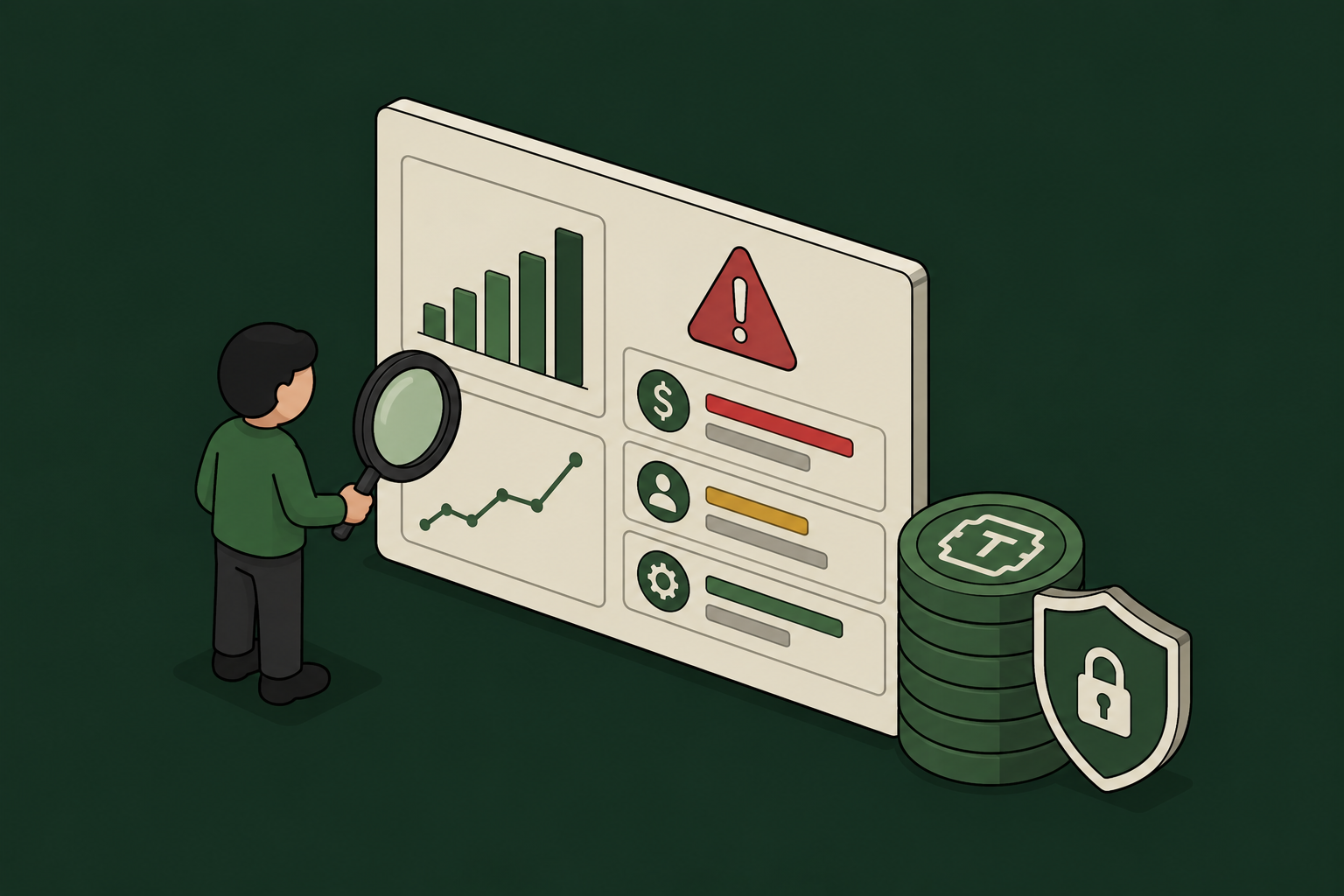
Token Spend Is a Security Signal: Governing Agent Costs
Token Spend Is a Security Signal: A Security Leader's Guide to Governing AI Agent Costs
Most security teams treat AI agent token spend as a finance problem. It is not. Token spend is the most legible signal you have of how your agents actually behave in production, and the same blind spot that hides the cost hides the risk.
This guide is written for security leaders, not FinOps. It explains where agentic token cost comes from, why the waste and the risk share a single root cause, and what an evidence-led governance program does about both. Every figure below is attributed to a primary or independent source so you can verify it and cite it.
The core claim: cost waste and security risk have the same root cause
An AI agent overspends for one reason above all others: it pulls more into its context than the task requires. It loads tool schemas it never calls, data it never reads, and permissions it never exercises. That is the definition of a cost problem. It is also, word for word, the definition of an access-control problem.
The security discipline already has a name for an agent that holds more capability than its job needs. The OWASP Top 10 for LLM Applications calls it Excessive Agency (LLM06): harm that follows from an agent having excessive functionality, permissions, or autonomy. Excessive functionality shows up on your bill as loaded-unused context. Excessive permissions show up as an agent that can reach systems it never touches. The token meter is measuring your attack surface in real time.
This is the reframe that matters for a security leader: you do not have a cost problem and a security problem. You have one governance problem that presents two symptoms. Fix the root cause, scoped context and scoped access enforced at runtime, and both symptoms shrink together.
Why agentic workloads cost, and expose, so much more than chat
A chatbot processes one prompt and answers. An agent plans, calls tools, reads results, and decides again, so a single request fans out into many model and tool calls, each reprocessing context. Independent measurements put agentic token consumption at multiples of a comparable chat interaction, and for a given operation, calling a tool through the Model Context Protocol (MCP) has been measured at 4 to 32 times the token cost of an equivalent command-line call (OnlyCLI benchmark, 2026).
The heaviest, least visible cost is the tool surface itself. When you connect an MCP server, every tool it exposes loads into the context window on every conversation turn, not only when a tool is used: names, descriptions, parameter schemas, enum values. Independent developer measurements found a single MCP tool definition running 550 to 1,400 tokens, a large server such as GitHub's loading roughly 55,000 tokens before the agent acted, and three connected servers consuming about 143,000 of a 200,000-token window on schemas alone (dev.to, 2026).
For a security leader, read that last figure twice. Before the agent does anything, most of its working memory is a standing inventory of capabilities it may never use, and every one of those capabilities is a path into a system you are responsible for.
What the token bill is telling your security team
Three signals sit inside token data that no finance dashboard is built to read.
1. Loaded-unused context is over-provisioning, made measurable. An agent that repeatedly loads a toolkit and calls two of its forty tools is over-permissioned by thirty-eight tools. The unused thirty-eight cost tokens and widen the blast radius. Token analytics surface this automatically, which makes cost data the fastest scope-tightening tool most security teams are not using.
2. Top-consumer ranking is anomaly detection you already have. The agent, team, or tool burning far more than its peers is either doing more work, or doing something it should not. A ranked view of consumption is a ranked view of where to look first.
3. Unattributed spend is unattributed action. If a line item climbs and no one can say which agent, on whose behalf, ran it, you have the same accountability gap that turns an incident into a forensics project. Cost attribution and security attribution are the same control: every token, like every action, tied to a named agent and a human owner.
The optimization techniques, and what each one is really doing
The engineering community has converged on a clear set of token-reduction techniques. Viewed through a security lens, each one is also a least-privilege or containment control. The evidence is strong and, importantly, much of it comes from the model providers themselves.
A note on the strongest number in that table. In November 2025, Anthropic's own engineering team published a pattern where agents write code to call tools instead of loading every definition into context, and reported a representative workflow falling from about 150,000 tokens to about 2,000, a 98.7% reduction (Anthropic Engineering, "Code execution with MCP," 2025). A byproduct they call out explicitly: because the code runs outside the model, sensitive intermediate data does not have to pass through the model's context at all. That is a cost technique and a data-exposure control in the same design.
Why a bolt-on cost tool does not solve a security leader's version of this
A standalone token-cost dashboard reports spend after the fact, sees only what you point it at, and never connects a dollar to an identity. For a finance owner that may be enough. For a security owner it is not, because the questions you have to answer are governance questions: which agent, acting for which human, loaded which tools, touched which data, under which policy. A cost tool with no identity model cannot answer any of them.
The techniques above only become durable when they are enforced where the agent runs, not suggested in a quarterly review. On-demand tool loading, scoped toolkits, and response trimming are runtime controls. They belong at the same control point that already governs the agent's identity, permissions, and audit trail, because that is the only place that sees every agent, every tool, every MCP, and every skill at once.
This is the architecture Willow is built on. Every agent runs through one control plane for identity, access, and audit, so the token view is a property of the governance layer rather than a separate purchase: consumption broken down by MCP server, toolkit, skill, and tool response, per agent and per human owner, with loaded-unused context and empty calls surfaced automatically and streamed to your SIEM alongside the rest of your security telemetry. One Willow customer cut token use on certain tool operations by as much as 95%, on the same control plane that governs roughly 600 tools and about 5,000 weekly active users at Wix. The savings are what disciplined governance leaves behind.
A governance-led token program, in four moves
- Instrument before you optimize. Turn on per-agent, per-owner token visibility across every surface. Unmeasured spend is unmeasured behavior. This is the same principle as any security program: you cannot govern what you cannot see.
- Read the cost data as risk data. Rank top consumers, and treat loaded-unused context as an over-provisioning finding, not a rounding error. Tighten the scope of the worst offenders first.
- Enforce scope at runtime. Move to on-demand tool loading, expose only the tools each task needs, and trim responses. Least privilege for context is least privilege for capability.
- Attribute everything to a human. Tie every token, like every action, to a named agent and its owner. Attribution is what makes both the cost and the risk defensible in an audit.
Non-human identities already outnumber human ones by roughly 45 to 1 on average, and by as much as 144 to 1 in cloud-native environments (Cloud Security Alliance, 2026). Each of those identities consumes tokens and holds access. Governing the spend and governing the access is the same work. The organizations that treat token data as security telemetry will cut their bill and shrink their attack surface at the same time, from the same control plane, with the same evidence trail.
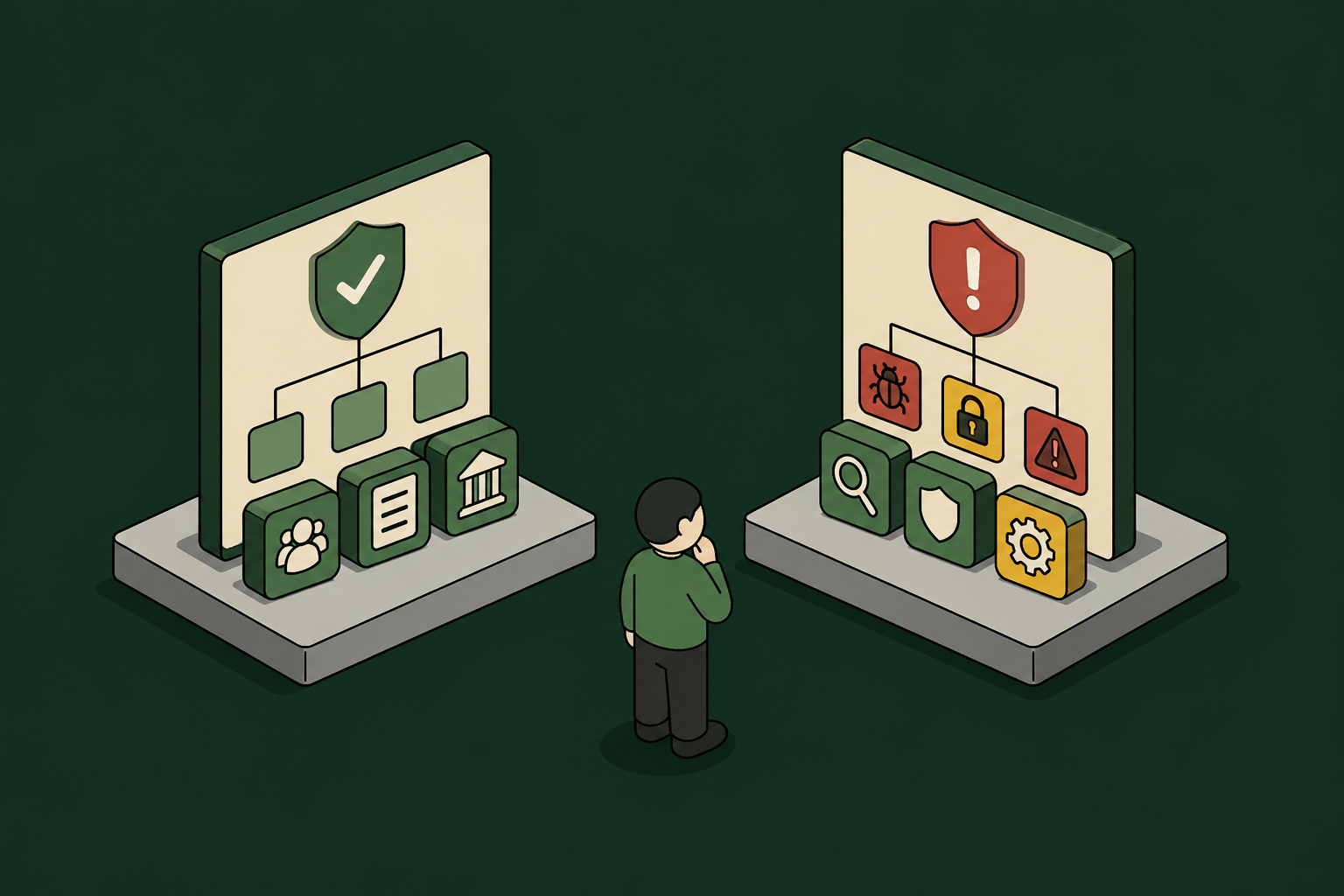
AI Governance Platform vs AI Security Platform: Key Differences Explained
Most enterprise buyers enter the market for AI governance tools and leave with the wrong category.
They either buy a policy documentation platform when what they need is runtime control, or a security scanner when what they need is a compliance framework. Neither vendor is misleading them.
The two categories look similar from the outside and often use overlapping language.
The difference is what each one governs.
A company that buys governance when it needs security has a clean compliance record but is at risk of a breach. A company that buys security when it needs governance has a well-defended model layer but may not pass an EU AI Act audit.
Governance platforms manage documentation, classification, and compliance. They inventory your AI systems, classify their risk levels, map controls to regulatory frameworks, and generate evidence packages for auditors.
Security platforms protect against threats. They detect prompt injection attacks, block data leakage, monitor model behavior in real time, and surface anomalies before they become incidents.
The market is large enough to obscure this boundary. Estimates vary by how the category is defined. Forrester Research projected off-the-shelf AI governance software spending to reach $15.8 billion by 2030, while Gartner's 2026 estimate puts spending on dedicated AI governance platforms at $492 million for the year. The two figures measure different slices of the market over different timelines.
TL;DR: Buyers reach for two product categories to govern AI, but neither controls what an agent does inside a tool. A third layer supplies that control.
- AI governance platforms document and prove compliance for auditors.
- AI security platforms block model-layer threats such as prompt injection.
- The identity and access layer scopes each agent action to a real employee and produces the runtime audit trail the other two cannot.
Match your first purchase to whichever gap is most urgent right now.
AI Governance vs. AI Security: Why the Confusion Costs You
Both governance and security platforms involve policies, monitoring, and guardrails. But they serve different audiences, enforce at different moments, and the questions they answer barely overlap.
Governance asks whether an AI system is documented, risk-classified, and compliant with your regulatory frameworks. Security asks whether a given AI request is safe from adversarial inputs and data leakage.
On the security side, the threat is real and rising. AI-enabled adversary attacks increased 89% year over year (CrowdStrike Global Threat Report, 2026). Attacks that began with the exploitation of public-facing applications rose 44%, driven by missing authentication controls and AI-enabled vulnerability discovery (IBM X-Force Threat Intelligence Index, 2026).
On the governance side, Gartner predicts that over 40% of agentic AI projects will be canceled by the end of 2027, driven in part by inadequate risk controls (Gartner, June 2025). Buy only a security platform, and you risk an audit you cannot pass.
But there is a third problem that neither a pure-play governance platform nor a strictly security platform will solve.
What neither governance nor security covers is what a specific agent did inside Salesforce at 2 AM, under whose identity, and whether it was authorized. For that, you need an AI identity and access platform.
An AI agent is software that uses a large language model to act on your behalf. It calls tools, reads data, and changes records rather than answering questions. The action it takes needs to be governed just as much as the request it receives.
That action-layer question is the one most programs leave unanswered.
Willow is neither an AI governance platform nor an AI security platform. It is the Agentic Access Platform, the identity and access layer beneath both. Governance documents what an agent is allowed to do, security screens what goes in and out, and the access layer binds each agent action to a real employee identity and enforces it at runtime.
Willow fills this third gap by routing every agent through one enforced flow. (1) The agent connects only to approved apps, (2) Willow verifies the real employee identity behind the agent through your existing IdP (Okta, Entra ID, or JumpCloud), (3) it then checks what that person is permitted to do inside the specific tool, executes the action, and logs everything the agent does inside the app.
Because each agent inherits a real employee's identity instead of an anonymous service account, every action it takes carries an owner, permissions can be defined and enforced, and an auditor can trace it all.
What AI Governance Platforms Actually Do (and Don't Do)
AI governance platforms give you a defensible record of every AI system you run. Their job is to satisfy regulators and auditors, so what they produce is documentation and evidence an audit can stand on.
(1) Policy documentation helps you write, version, and approve AI usage policies across teams and use cases. They maintain a record of what was decided, when, and by whom.
(2) Model inventory registers AI systems, and tracks versions, owners, deployment dates, and risk classifications.
(3) Risk assessments score models against the regulatory frameworks that matter to your business. For example, the EU AI Act is the European regulation that sorts AI systems into risk categories, the NIST AI Risk Management Framework (NIST AI RMF) which is the US voluntary standard for AI risk management, and ISO 42001 is the international AI management system standard.
(4) Compliance mapping links existing controls to framework requirements and generates evidence packages for external audits.
(5) Bias and fairness monitoring flags model outputs for demographic bias and fairness metric violations. Important for regulated industries where algorithmic decisions affect people directly.
Governance tools cover the model and the use case, but still sit one level above the individual action an agent takes inside a live tool.
A policy document that says "this agent may only read CRM records, not modify them" does not prevent a deployed agent from modifying CRM records. It documents the intent, and any violations it catches after the fact.
Enforcement is a separate technical layer that governance platforms were not designed to provide. By the time a governance audit finds an unauthorized action, the action has already happened. Often, because the platform does not log individual tool calls or tie back to employee identities, the evidence trail also lacks the granularity needed to reconstruct what occurred.
What AI Security Platforms Actually Do (and Don't Do)
AI security platforms protect against threats at the model and network layer. They operate in front of or alongside your AI systems, monitoring and filtering what goes in and what comes out.
Security confirms the request was clean. Whether the agent was authorized to touch that data, and who signed off, sits in the identity layer it never sees (or in some organizations, does not exist).
Their strength is at the model boundary, where they inspect every request and response for known attacks and leaks.
(1) Prompt injection protection detects and blocks adversarial instructions embedded in user prompts or in external content that an agent retrieves and processes.
The malicious instructions that prompt injections protect against are designed to override the model's intended behavior and redirect it toward attacker-controlled goals.
It is the OWASP number one risk for LLM applications.
In agentic systems, indirect injection is particularly dangerous because an agent that reads a poisoned document or email can be redirected at machine speed before any human notices.
(2) Data loss prevention (DLP) involves scanning agent inputs and outputs for personally identifiable information (PII, information that identifies or could identify a specific person), credentials, and regulated content before it is exposed.
AI tools can route sensitive data to external model APIs during normal operation. Either in error, or because a user query or agent instruction did not account for the fact that PII could potentially enter the context, and there was no action-level or access-level protection against it.
80% of U.S. CISOs report concern about customer data loss via public GenAI platforms (Proofpoint Voice of the CISO, 2025). The concern is legitimate and the security controls that address it are necessary.
But addressing it entirely at the model layer, without identity binding and action-level scoping, leaves the question of authorization unanswered. Even if the data transfer was threat-free, was the agent supposed to have access to that data at all? Only proper identity binding and action-level permissions can answer that.
(3) Model firewalls filter model inputs and outputs against known threat signatures, content policies, and behavioral anomalies. All this happens at the request layer, before and after the moment a model processes a prompt and generates a response.
It operates at the boundary between the user/agent and the model. But it stops short of the tool calls that the model subsequently makes.
(4) Shadow AI discovery surfaces AI tools and models in use across the organization. This includes, importantly, tools deployed without IT or security approval. The option you then have is to block them or bring them into your governance layer and register.
99% of organizations already have sensitive data exposed to AI tools (Varonis State of Data Security, 2025). Shadow AI discovery is how you find AI use that is not currently governed or controlled, and needs to be.
Security endpoints do have their limitations, though.
A model firewall can block a prompt injection attack at the inference layer. It cannot tell you whether the agent that called your Snowflake endpoint afterward had permission to export that specific dataset. Neither can it attribute that export to a specific employee where the organization's identity provider, and associated permissions, would have governed the scope of that access.
Governance vs. Security vs. Identity and Access: A Capability Matrix
Three controls answer different questions and enforce at different moments. Governance proves a system was reviewed, security screens each request, and an identity and access layer binds each action to a named employee and enforces permissions at runtime.
The identity and access layer makes it possible to scale AI deployment, by using built in already approved permissions tied to existing identities. It also makes it possible to quickly decommission agents when an employee leaves, or adjust permissions when someone changes roles.
The Three Layers of AI Agent Control: Connection, Action, and Context
Most AI security and governance programs govern the wrong layer. They focus on the connection layer by blocking or allowing tool access at the API boundary.
The connection is layer one of three, and the least granular once agents are in production and calling real tools with real data.
Layer 1: Connection (which tools an agent can reach)
This is governed by MCP gateways and API firewalls.
MCP (Model Context Protocol) is the open standard that defines how AI agents connect to tools and data.
Anthropic originally developed the protocol, and most major agent frameworks now support it.
Most AI gateways stop at the connection layer.
The practical implication of that is that an agent approved to "use Jira" can read every ticket across all projects, create new ones, delete existing ones, reassign issues, and access the audit history. Because all of those actions sit inside the granted Jira connection.
The gateway sees "agent connected to Jira" and records the event. It does not see or govern what happens next and which actions can be taken.
Layer 2: Action (what the agent can do inside each tool, and under whose identity)
The action layer goes a step beyond approving connections, and handles fine-grained action-level permissions within approved apps.
The action layer is what decides whether an agent can drop a database or table, or only read from it.
Layer 3: Context (which data the agent can access, under what conditions)
An agent with Salesforce read access at the action layer can still be scoped at the context layer to read only the records within a specific account owner's portfolio, or to require human approval (surfaced in Slack, the Willow for Chrome extension, or in-app) before accessing records flagged as sensitive.
Layer one is where most platforms stop. Willow handles all three (Platform Overview). It blocks apps agents aren’t permissioned to access, and actions it’s not allowed to take. When more granular restrictions are needed, it enforces contextual limitations, such as restricting an agent to the records tied to a specific account owner, or requiring human approval before it can reach data flagged as sensitive.
Why Identity Is the Missing Link Between Governance and Security
An AI agent acting under an anonymous API key is structurally ungovernable. You can document that it exists (governance). You can monitor its outputs for threats (security). But you cannot say which employee authorized its actions, whether that employee still works at the company, whether the scope it was granted when it was provisioned still matches the employee's current role, or who to hold accountable when something goes wrong.
Non-human identities already outnumber humans about 45:1 on average, and up to 144:1 in cloud-native environments.
Only 28% of organizations can reliably trace agent actions to a human or system across all environments (Cloud Security Alliance / Strata Identity, February 2026). More than half (51%) report no clear ownership of their AI identities (Cloud Security Alliance, May 2026).
Eight percent of enterprise non-human identities lose their HR-ownership link the moment the person who created them leaves (Entro Security, May 2026). Identity is what makes governance policy enforceable and security audit trails meaningful. It also makes both scaling AI agent use, and decommissioning it, possible.
97% of organizations that suffered an AI-related breach lacked proper AI access controls (IBM Security / Ponemon Institute, 2025).
Governance binds to a real person
A policy that says "this agent may read contracts but not sign them" becomes enforceable when the agent acts under an employee identity. If the employee's role changes from "contractor" to "senior counsel," the agent's permissions update automatically.
The policy follows the person, so when their role changes the agent's permissions change with it.
Security audit trails trace to an accountable principal
"Which agent called the Snowflake export endpoint at 11:47 PM on Thursday" becomes answerable: the agent running under the identity of a specific employee, with read-only permission on the data warehouse, using a scoped credential that expired after the task completed. That level of attribution is what a regulator or forensic investigator needs. A session log that records "service-account-27 connected to Snowflake" does not give them that.
Deprovisioning is automatic and complete
When the employee offboards, the agent loses access immediately through SCIM deprovisioning. No orphaned API key continues operating with production Salesforce access six months after the analyst who created it left the company.
This addresses one of the most common agentic security gaps: the NHI sprawl problem. NHI, or non-human identity, covers service accounts, API keys, OAuth tokens, machine certificates, and agent credentials, and their numbers dwarf the human kind (Cloud Security Alliance, 2026).
At Wix, Willow governs roughly 5,000 weekly active users, around 600 governed tools and MCPs, and 300,000+ governed tool calls every week (Wix case study). "We are six to ten months ahead of most companies in AI adoption. More code to production, fewer incidents, real outcomes." (Asaf Yonay, Head of AI Core, Wix).
Scaling AI agent use is no longer messy when identity is pre-wired. Agents inherit existing Okta groups and roles, so each action already carries the employee identity an auditor asks for. No retrofitting permissions or building out new permissions groups for different agents. It’s all built in from day one.
Where to Start: Match the Platform to Your Gap
Where you start depends on which gap is most urgent for you right now. Most enterprises fall into one of three situations. Agents may already be running in production, a compliance deadline may be approaching with no system inventory in place, or both may be true at once. Each one points to a different first move.
If your AI agents are already in production and your primary risk is ungoverned runtime behavior (agents calling production tools with no action-level scoping, no identity binding, no per-action audit trail), then start with an identity and access layer to bind every agent to a real employee identity and scope permissions at the action level. Add a model governance platform for regulatory compliance documentation in parallel.
If your primary gap is compliance documentation and you have a regulatory deadline approaching with no AI system inventory, then start with a governance platform (OneTrust, IBM watsonx.governance, Credo AI) to build the inventory and compliance trail. Then add an action-layer identity platform once agents move into production.
If you are in a regulated industry with both an audit deadline and live agents already calling production systems: you need both running in parallel. The governance platform covers regulatory documentation and compliance evidence. The identity and access layer covers runtime accountability and per-action audit. Neither substitutes for the other.
The pattern across all three scenarios is the same: start where your live risk is, then close the adjacent gap. The longer you wait on either side, the wider the distance between your documented policy and your deployed reality.
Willow: The Identity and Access Layer for AI Agents
Willow is the Agentic Access Platform, the identity and access layer for AI agents at work. It covers all three layers of control, connection through action to context, so the platform that lets an agent reach a tool also governs what it does inside and pulls that access when the person behind it leaves (Platform Overview). Every agent inherits a real employee's identity through your existing IdP (Okta, Entra ID, or JumpCloud) with SCIM provisioning, so when someone changes role or offboards, the agent's access updates or revokes automatically.
Permissions are app-aware and scoped to the action level inside each tool.
Willow provides a governed marketplace of 1,000+ integrations (100+ pre-built connectors), 50+ skills, and 10+ plugins.
Any internal API can be wrapped as a governed MCP tool without backend changes, and employees self-serve from the approved catalog in the Toolshed instead of filing tickets, while admins set the rules in the Permit Office.
Native shadow-AI discovery surfaces what you never routed: unmanaged agents, rogue MCP servers, personal API keys, and unapproved skills and plugins, found through a Chrome extension and endpoint sensors before they reach production. As Willow frames it, shadow AI is already in the org; the question is whether anyone can see it.
Every call, tool, prompt, and identity lands in one audit trail, exportable to Splunk, Loki, and Grafana for any compliance framework, and one click revokes any agent or tool across the org the moment something looks wrong.
Deployment options span SaaS, self-hosted (AWS, GCP, Azure), and on-prem/air-gapped, with full feature parity across all three. Pricing starts at Free ($0 for up to 5 users), runs through Startup ($15 per seat), and reaches Enterprise (custom), with details at withwillow.ai/pricing.
Willow is SOC 2 Type II certified. Compliance reporting is pre-built for SOC 2, GDPR, HIPAA, and ISO 27001 (Governance and Compliance).
For organizations that have made the call to ship AI agents broadly, the governance question becomes which layer to govern. Connection governance confirms an agent reached a tool. The control a security lead is accountable for is the next layer down (what the agent did inside the tool, whose authority backed the call, and whether that is provable to an auditor). Governance documentation and model-layer security do not provide that without the identity layer in between.
Further Reading
- Willow Identity and Access Platform: https://withwillow.ai/platform/identity-access
- Willow Governance and Compliance: https://withwillow.ai/platform/governance-compliance
- Willow Wix case study: https://withwillow.ai/blog/wix-case-study
- EU AI Act plain-language summary (artificialintelligenceact.eu): https://artificialintelligenceact.eu
- NIST AI Risk Management Framework resource hub: https://airc.nist.gov
- CrowdStrike 2026 Global Threat Report: https://www.crowdstrike.com/global-threat-report/
- IBM X-Force Threat Intelligence Index 2026: https://www.ibm.com/reports/threat-intelligence
- IBM Cost of a Data Breach Report 2025: https://www.ibm.com/reports/data-breach
- Cloud Security Alliance, Non-Human Identity Governance Vacuum, 2026: https://labs.cloudsecurityalliance.org/research/csa-whitepaper-nonhuman-identity-agentic-ai-governance-v1-cs/
- Varonis 2025 State of Data Security Report: https://www.varonis.com/blog/state-of-data-security-report
- Proofpoint Voice of the CISO 2025: https://www.proofpoint.com/us/voice-of-the-ciso
- Gartner: 40% of enterprise apps will feature task-specific AI agents by 2026: https://www.gartner.com/en/newsroom/press-releases/2025-08-26-gartner-predicts-40-percent-of-enterprise-apps-will-feature-task-specific-ai-agents-by-2026-up-from-less-than-5-percent-in-2025
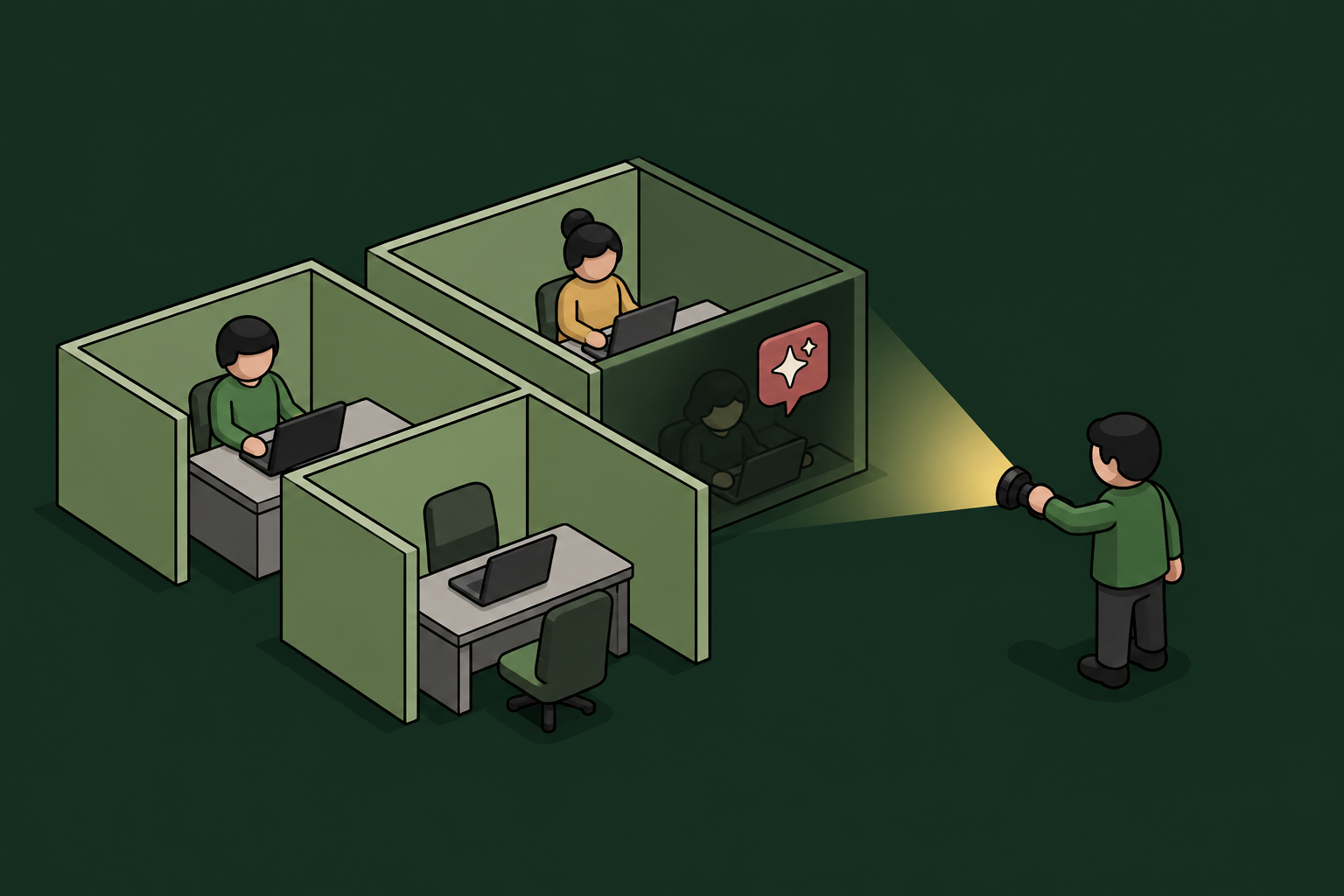
Shadow AI Is Already in Your Org: What to Do About It
Every CEO I talk to asks some version of the same question: "How do I get my company moving fast on AI without losing control of it?"
It's the right question, but it's slightly behind the facts.
Your teams are already using AI. Chances are, they’re using it a lot.
They started months ago, mostly without telling anyone, and much of that work is genuinely good.
The decision in front of you isn't whether to allow it.
That ship sailed long ago.
The decision to make is whether to set up tooling so you can see, govern, and control AI agent use within your company.
The invisible AI usage sweeping your organization has a name. Shadow AI.
It means any AI tool, assistant, or agent an employee runs without security review or approval.
And it is far from a fringe problem.
In a 2025 Gartner survey of 302 cybersecurity leaders, 69% of organizations either suspected or had evidence that employees were using prohibited generative-AI tools.
Most organizations are trying to govern agentic and other AI use they can't fully observe in the first place.
So how to fix it and regain control?
Shadow AI is an infrastructure problem. Willow helps solve it.
TL;DR
- Shadow AI is already in nearly every company, so the question is visibility, not permission.
- Blocking pushes usage underground and slows the business, governing it lets you say yes safely.
- AI agents need a real identity and scoped permissions, like employees and apps already have.
Why is shadow AI already inside almost every company?
Because AI adoption ran ahead of policy (it almost always does) useful tools spread through an organization faster than any approval process.
AI is likely the most useful new tool most employees have ever touched.
When workloads can be compressed from hours to minutes, teams reach for it long before IT has a chance to formalize a position on it.
Let alone build the infrastructure required to govern it…
The scale is larger than most boards assume, too. Roughly 78% of AI users bring their own AI tools to work (per Microsoft's 2024 Work Trend Index).
The AI governance side has a long way to go before it catches up as well. IBM's 2025 Cost of a Data Breach report shows that only 37% of organizations have an AI governance policy in place.
It paints a pretty clear picture...
Most of the AI work in your company is happening in no man's land. No rules to govern it. No record to piece things together when it all goes wrong or to comply with regulatory reporting requirements.
And the pace is only accelerating.
While employees' first forays into AI were likely pasting text into an AI chatbot (ChatGPT, Gemini, Claude) to get answers to their questions, they’re now running autonomous workloads using AI agents (Codex, Hermes, OpenClaw, Claude Code, Cursor).
If you’re yet to come across AI agents in the wild and need to get up to speed with what defines one, an AI agent is a piece of software that uses a large language model to take real actions on your behalf, including:
- Read data
- Call tools
- Make changes
When that kind of software runs unsupervised, you have an actor inside your systems that nobody assigned, nobody scoped, and nobody is watching.
Often, it’s just as capable as a human (or more so).
That means it is also capable of ruining things, deleting them, or adding additional vulnerabilities you may never learn about.
These factors create an entirely different category of risk than someone pasting a question into a chatbot.
What does ungoverned AI actually cost when it goes wrong?
For the first time, IBM's 2025 Cost of a Data Breach Report broke shadow AI out as its own breach category.
- 1 in 5 organizations (20%) have already had a breach caused by shadow AI.
- Organizations with high levels of shadow AI face $670,000 more in breach costs than those with low or none.
- 97% of organizations that suffered an AI-related breach lacked proper AI access controls.
That third number is the one I'd put in front of a board.
Breaches aren't happening because AI agents are dangerous.
They're happening because the AI had no identity, no scoped permissions, and no record of what it touched.
Strip the AI agent part away and you are left with a standard governance problem.
And governance problems have known solutions.
For many teams, there is a serious deadline pushing AI governance and security measure adoption. The EU AI Act's obligations for general-purpose AI continue to phase in through 2026. If you sell into Europe, "we didn't know our teams were using it" is not a defence. Compliance is more than a policy document. It requires dedicated AI governance tools and engineering.
Why governing AI agents beats blocking or ignoring them
Govern, don't block, and don't pretend it isn't happening. Those are the three real options in front of every leadership team.
However, only one of them is actually working in practice.
(1) Block it.
Banning the tools and trying to enforce the ban feels safe but fails quietly.
When you block, what happens is usage moves to personal devices and accounts where you have zero visibility or record.
So, you haven't removed the risk. You've blindfolded yourself to it.
Shadow AI just became even darker.
(2) Ignore it.
Let it run and hope…
This is the default for most companies now.
They realize the huge benefits of AI, and don’t want to lose them.
But they’re also lacking a clear roadmap to govern it.
This may be the most expensive option of the three, because it's the path that produces the IBM breach numbers above.
No visibility and high shadow AI use means approximately $670,000 in additional costs per breach.
(3) Govern it.
Allow the tools, but route them through a layer that gives each agent an identity, scopes what it's allowed to do, and records every action.
By governing AI, you get both the AI speed boost and the control required to protect your organization from AI risks.
The companies winning with AI right now aren't the cautious ones, and they aren't the reckless ones. They're the ones who said yes on the condition that everything stays visible and governed.
How do you actually find the shadow AI you can't see?
You find shadow AI by looking in the places employees leave traces.
AI usage leaves fingerprints across systems you already run. That’s good news. Discovery is more achievable than most teams expect.
The practical detection methods, roughly in order of how fast they pay off, are OAuth and SSO grant logs, an endpoint agent and browser extension, network monitoring, code repo scans, and employee surveys.
(1) OAuth and SSO grant logs.
The identity provider (your Okta, Entra, or JumpCloud) pulls consent records.
It is often the fastest way to surface tools nobody told you about.
(2) Endpoint agent.
Pushed through your MDM, it surfaces every tool and skill in use, approved and unapproved.
That includes rogue MCP servers, personal API keys, and shadow AI deployments running locally on the machine. None of which would appear in browser history or network logs.
(3) Browser extension.
Inside the browser is where most employees first encounter AI tools. Think GhatGPT, Nano Banana, Claude, etc.
A governed Chrome extension enforces approved usage and catches unapproved tools before they reach production systems or become an audit finding.
(4) Network monitoring.
Inspecting outbound traffic for known AI-service domains flags connections to unsanctioned services from the network side.
(5) Code-repository scanning.
Engineers wire AI into products by embedding API keys in code. It creates significant exposure.
GitGuardian's 2026 report counted 1.27 million AI-related secret exposures in public GitHub (up 81% year on year).
(6) Non-punitive employee surveys.
Ask people what they use, with an explicit promise of no penalty. The 80% using public AI quietly will tell you.
This is never a one and done exercise, though. New tools appear every week. The strongest programs run several of these at once and keep running them.
The real fix: give AI agents an identity
The long term reliable solution to combating shadow AI is to give every AI agent a real identity, the same way you already do for every employee and every app.
This is the part most discussions miss. But we've collectively solved this type of problem before.
- On-prem software got Active Directory, one place that knew who every user was and what they could touch.
- SaaS got Okta and the other identity providers that carried that idea into the cloud.
- AI agents, until now, have had nothing. No identity layer, no access controls, no record.
Shadow AI simply lives in a missing layer that needs its own identification, detection and governance tooling.
An AI agent is a non-human actor in your systems, so it needs its own identity, distinct from the human who launched it but still tied back to that person.
Think of it as a new hire's badge and defined role. Except the new hire is software.
In cloud-native environments, these non-human identities can outnumber human ones by as much as 144 to 1.
Least privilege is the old security rule of giving any actor access to exactly what its task requires, and nothing more. The same goes for AI agents.
Not "this agent can reach our project tracker," but "this agent can read tickets in these two projects, and cannot delete anything."
Narrow permissions mean a compromised or confused agent can do far less harm.
This is the category my co-founders and I built Willow to own. The Agentic Access Platform. Okta is the access layer for people. Willow is the access layer for agents.
Each agent inherits a real employee's identity through your existing identity provider, gets permissions scoped to the action (what it can actually do inside each tool, not just which tools it can reach), and leaves a full audit trail tied to a real person (Willow Identity & Access).
When your CISO asks what a specific agent touched in the customer database last Tuesday, you pull that trail and answer in seconds, instead of reconstructing a session from fragments across a dozen logs.
Discovery of unmanaged tools runs through the endpoint agent and browser extension built into the platform (Willow Governance & Compliance).
Wix runs roughly 5,000 weekly active users and 600 governed tools through this model, with 1,000,000+ governed tool calls a week. Each is tied to a real identity. In the words of Head of AI Core at Wix, Asaf Yonay, "We are six to ten months ahead of most companies in AI adoption. More code to production, fewer incidents, real outcomes."
Like many organizations having success with agentic AI, Wix got there by saying yes to AI, not by locking things down. The governance layer is what made that possible at scale.
What should CEOs do this quarter?
See it, govern it, then enable more. You don't need a finished AI strategy to begin. You first need to stop flying blind.
Run a discovery pass first, because OAuth grants and an honest employee survey get you most of the picture in a week.
Then give the agents and tools already in use a real identity and scoped permissions instead of banning them.
Once you can see and govern, you can say yes faster and more often. Visibility is exactly what lets you accelerate safely.
The companies that win the next few years will be the ones that can see every agent in their org and govern it without slowing anyone down.
Further Reading
- Gartner: 69% of organizations suspect or have evidence of prohibited GenAI use (2025 survey of 302 security leaders): gartner.com/en/newsroom
- Microsoft & LinkedIn: 78% of AI users bring their own AI tools to work, 80% at small & midsize firms (2024 Work Trend Index): news.microsoft.com/source/2024/05/08/microsoft-and-linkedin-release-the-2024-work-trend-index-on-the-state-of-ai-at-work
- IBM: Cost of a Data Breach Report 2025 (1-in-5 shadow-AI breaches, $670K added cost, 97% lacked controls): ibm.com/reports/data-breach
- IBM: Only 37% of organizations have an AI governance policy in place (Cost of a Data Breach 2025): ibm.com/reports/data-breach
- GitGuardian: 1.27M AI-related secret exposures in public GitHub, +81% YoY (State of Secrets Sprawl 2026): gitguardian.com/state-of-secrets-sprawl-report-2026
- Cloud Security Alliance: Non-human identities outnumber humans up to 144:1 (Non-Human Identity Governance whitepaper): labs.cloudsecurityalliance.org/research
- Willow: Identity & Access and Governance & Compliance product pages (agent identity, scoped permissions, shadow-AI discovery): withwillow.ai/platform

Shadow AI: The Skills and Plugins Nobody Approved
Most security teams are watching the wrong target. They have their eyes on rogue chatbots and MCP servers, while the fastest-growing form of shadow AI walks in through a plain markdown file. Skills and plugins are the new shadow AI, and most organizations cannot tell you how many are running right now.
A skill is a set of instructions your AI agent follows. A plugin is an installable package that can run code and reach your tools. Both get added in seconds, by almost anyone, and neither has to route through a central system to work. That is the whole problem. Capability spreads across the org, and nobody holds the list.
This guide breaks down what skills and plugins actually are, why they are a real security risk, why your existing tools miss them, and how to bring them under governance without slowing your teams down.
What is shadow AI?
Shadow AI is any AI tool, model, agent, skill, or plugin used inside an organization without the knowledge or approval of IT and security. Like shadow IT before it, it spreads because it makes people faster. Unlike shadow IT, it can read your data, run code, and act on your systems on its own.
The difference matters. A shadow SaaS app sat in a browser tab. A shadow AI agent, armed with an unapproved skill or plugin, can query a database, open a pull request, or move data out of the building. The blast radius is larger, and it is growing every week.
Skills and plugins are the new face of shadow AI
For the last year, the shadow AI conversation has been about MCP servers and consumer chatbots. Those are real. They are also the part everyone can see. The quieter risk is the one accumulating on laptops across the company: the skills and plugins your people connect by hand, every day, approved by no one.
It spreads from the ground up. Developers and non-developers alike wire their own capability into their agents to move faster, whether the company has a policy or not. By the time anyone asks how many are running, the honest answer is that no one knows.
What a skill actually is
A skill is a plain markdown file. It holds instructions your agent reads and follows: how to handle a task, which steps to take, what to prioritize. There is no code to compile and no install to approve. Anyone can drop one onto a machine, and the agent will follow it on the next run. That is the appeal, and the exposure. Your agents are following instructions nobody at your company has read.
What a plugin actually is
A plugin is an installable package that can run code. It bundles tools, connectors, and logic, and it can reach APIs, repositories, and internal services. A plugin is more capable than a skill, and more dangerous, because it does not just guide the agent. It executes. It installs in seconds and, like a skill, never has to pass through a central gateway to work.
MCPs sit alongside both. Together, skills, plugins, and MCPs form one ungoverned surface: capability added by hand, tied to no identity, logged nowhere.
Why ungoverned skills and plugins are a security risk
When you turn on discovery and show a team what is actually connected across their org, the number is always higher than they guessed. Underneath that number are concrete problems:
Secrets hiding in markdown files. API keys and tokens get pasted into skill files for convenience, then sit in plaintext on endpoints, outside any secrets manager.
Code execution nobody reviewed. Plugins run code. If a plugin is malicious, stale, or simply careless, it runs with whatever access the agent has.
Over-permissioned agents. Most agents are granted blanket access by default. A skill built for one task inherits far more reach than the task requires.
Prompt injection. A poisoned skill or a compromised plugin is a clean path for prompt-injection attacks, the risk category OWASP tracks as LLM06. Standard controls do not inspect it.
No audit trail. There is no owner, no approval record, and no link to a human identity. When something goes wrong, you cannot answer which agent, on whose behalf, touched which data, under which policy.
Malicious or not, stale or not, in policy or not, an unapproved skill is live either way. That is the state most organizations are in today.
Why traditional security misses shadow AI
DLP, IAM, CASB, and network gateways were built to govern humans and applications. They were not built for an agent that installs a markdown file locally and acts through an API. The install never crosses your network perimeter. The action happens at the prompt and tool layer, where legacy controls have no visibility.
This is why "we locked down MCP servers, so we are covered" is a false comfort. You secured the part you could see. Shadow AI is defined by the part you cannot.
How to govern shadow AI: visibility, policy, automation
Controlling skills and plugins comes down to three capabilities, in order.
- Visibility. You need to know which skills, plugins, and MCPs are installed across the company, who connected each one, and what it can touch. You cannot govern what you cannot count.
- Policy. Once you can see the surface, you decide what is allowed, what needs approval, and what should be blocked. The right altitude is the action, not the connection. Not "can this agent reach the database," but which data, under which conditions, doing what.
- Automation. No security team will manually review every skill file on every machine. Discovery and enforcement have to run continuously, scanning for new capability and applying policy the moment it appears.
One principle ties these together. You beat shadow AI by out-enabling it, not by outlawing it. A blocklist pushes people back into the shadows. A governed, self-serve path lets them move fast inside guardrails, which is the only version of this that survives contact with a real workforce.
How Willow governs shadow AI skills and plugins
Willow is the Agentic Access Platform for the enterprise. One control plane that governs every AI agent, tool, MCP, skill, and plugin, from the same place. It maps directly onto the three capabilities above.
Discovery you do not have today. A browser extension and an endpoint agent, pushed through MDM, surface unsanctioned skills, plugins, MCPs, and agents the moment they appear. This is the difference between securing what you already know about and seeing what you do not.
One view for the whole surface. Every skill and plugin in the org in one place: who connected it, what it can touch, and whether anyone approved it. The free-for-all becomes a governed marketplace, where approved skills and plugins install in one click, scoped to identity, with approval routed through Slack when needed.
Least privilege at runtime. Instead of granting blanket access, Willow generates the exact tools an agent needs for the task in front of it, and nothing else. This contains the blast radius, and it has a side benefit: one customer cut token consumption on certain tool operations by as much as 95%, because the model was no longer loading a catalog it never used.
Identity and audit by default. Every action ties to a real human on top of the identity provider you already run, whether that is Okta, Entra, Active Directory, or JumpCloud, and streams to your SIEM in real time. Audit-ready, not audit-someday.
The proof is in production. At Wix, Willow governs about 600 tools and MCPs and more than 300,000 tool calls a week, across roughly 5,000 weekly active users in HR, legal, finance, design, and R&D, not just engineering. Innovid governs developer machines around MCP and external-skill exposure. Riskified runs it in production. Willow is SOC 2 Type II, and most teams are live in seven days, not a pilot.
Security leaders can see the full picture on the shadow AI for security leaders page.
Frequently asked questions
What is shadow AI?
Shadow AI is any AI tool, model, agent, skill, or plugin used inside an organization without IT or security approval. It spreads because it makes people faster, and it is riskier than shadow IT because AI agents can read data, run code, and act on systems autonomously.
What are AI skills and plugins?
A skill is a plain markdown file of instructions an AI agent follows. A plugin is an installable package that can run code and connect the agent to tools, APIs, and internal systems. Both can be added by almost anyone in seconds, without central approval.
Why are skills and plugins a security risk?
They can hold secrets in plaintext, execute unreviewed code, over-permission agents, carry prompt-injection payloads, and leave no audit trail. Because they install locally and act through APIs, traditional DLP and IAM tools never see them.
How is shadow AI different from shadow IT?
Shadow IT was unapproved software and SaaS. Shadow AI is unapproved AI capability that can act on your systems. The exposure is larger because an agent with an unapproved skill can query data, run code, and move information without a human in the loop.
How do you detect shadow AI skills and plugins?
You need continuous discovery at the endpoint and browser, where skills and plugins are actually installed, since they never route through a network gateway. Willow uses a browser extension and an MDM-deployed endpoint agent to surface unmanaged skills, plugins, and MCPs as they appear.
Can you just block AI skills and plugins?
Blocking pushes people back into the shadows and slows the business. The durable approach is governed enablement: discover everything, set policy per skill and action, and give employees an approved, self-serve path so they move fast inside guardrails.
The bottom line
You can't govern what you can't count, and right now, most organizations can't count. Skills and plugins are already inside your org, connected to sensitive tools, running on permissions no one approved. The question is not whether to allow AI. It is whether you can see it, scope it, and prove it.
Willow brings every skill, plugin, and agent into one governed view. See it in five minutes, no sales call required.
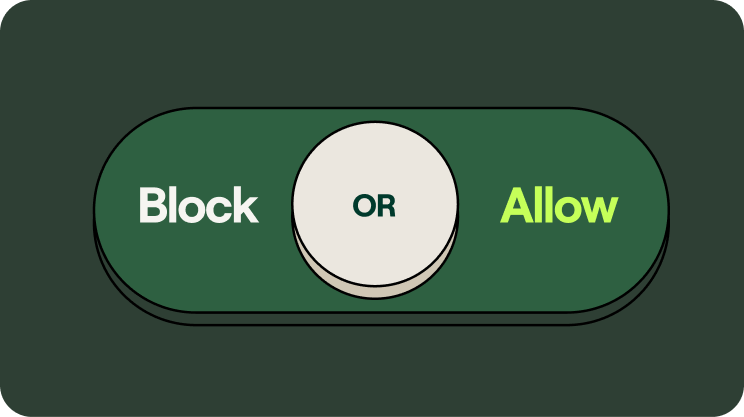
Your Enterprise AI Policy Needs Dials, Not Switches
Most enterprise AI policies come in two flavors: block or allow. Ban the tool, or wave it through. That binary is comforting on a slide and useless in practice, because it is not how AI works, and it is not how your employees work.
A policy that only knows two settings cannot govern a workforce that has already moved. People are connecting personal AI accounts to company data, shipping vibe-coded apps, and pointing agents at their browsers and inboxes, right now, with or without your sign-off. The question is no longer whether to allow AI. It is how precisely you can say yes.
.jpg)
The six questions a real AI policy has to answer
Sit down to write an honest enterprise AI policy and you run into questions a toggle cannot answer:
- Are we okay with people using DeepSeek?
- Are we okay with employees connecting personal Claude accounts to our Salesforce data?
- Are we okay with non-technical employees publishing vibe-coded artifacts straight to production?
- Are we okay with an agent controlling our employees' browsers?
- Are we okay with agents sending emails on behalf of our people?
- Which actions should require human-in-the-loop approval before they fire?
Notice what these have in common. None of them is a yes or no about a vendor. Each is a question about a specific action, on specific data, by a specific person or agent, in a specific context. "Allow Claude" tells you nothing about whether Claude should be allowed to read your CRM, write to production, or send mail as your VP of Sales. Those are three different risks wearing the same logo.
Every company's answer is different
Here is the part that breaks one-size policies. The right answer to those six questions changes with who is asking.
A fintech under regulatory supervision needs tighter controls on customer data than a real estate firm. An energy company with critical infrastructure has a different risk surface than a software startup shipping daily. A hospital answering to patient-privacy rules cannot run the same playbook as a marketing agency. Same tools, same questions, completely different answers. And regulators are closing the gap fast, with regimes like the EU AI Act landing real obligations on high-risk use in 2026.
So every company has to build its own policy. Not download a template, not copy a competitor, not pick "block" or "allow" and hope. The policy has to reflect your data, your industry, your risk tolerance, and your appetite for speed. That is a lot of dials to set. The problem is that most AI security tools only ship switches.
Why toggle switches fail
A switch can block a tool or permit it. It cannot say "marketing can use this model for copy but never on customer records," or "engineers can let an agent open a pull request but a human approves the merge," or "anyone can spin up an internal app but publishing to production needs review." The real world lives in those conditions. Switches flatten them into on or off, and the moment the policy is too blunt, one of two things happens. Security blocks everything and employees route around it on personal devices, taking your visibility to zero. Or security allows everything and you are one prompt injection away from an agent doing real damage with real credentials.
Block and allow are not a policy. They are the absence of one.
Control dials, not toggle switches
This is exactly why we are building Willow. We give companies control dials, not toggle switches, for every AI agent, tool, MCP, and skill in the enterprise.
A dial sets policy at the level the question actually lives: the action, the data, the identity, and the context. With Willow, every agent gets a real identity tied to a human, scoped to exactly the tools and data its task requires, with guardrails enforced at runtime and a full audit trail behind it. You decide that DeepSeek is fine for general research but never touches regulated data. You let an agent draft emails but require human-in-the-loop approval before it sends as someone. You allow vibe-coded apps in a sandbox and gate the path to production. One control plane, set once, enforced everywhere, instead of seven point tools each guarding a slice.
That is the difference between governing AI and reacting to it. Toggles tell you what you forbade. Dials let you express what you actually want.
The point of dials is a faster yes
Precision is not about saying no more often. It is about being able to say yes safely, which is the only kind of yes that scales. When the policy can be specific, security stops being the team that blocks and becomes the team that enables.
We see it in production. At Wix, Willow governs around 600 tools and MCPs across roughly 5,000 weekly active users, more people than the entire engineering org, processing over 300,000 governed tool calls a week across HR, legal, finance, design, and R&D. That is not a pilot with three approved apps. That is a whole company using AI freely because the policy is granular enough to let them, and tight enough that security can sleep. Innovid and Riskified run the same way.
Block or allow was always a false choice. The companies pulling ahead in 2026 are not the ones saying no fastest. They are the ones who can say a precise, governed yes, and tune it as the tools and the rules keep changing. That takes dials. Build your AI policy on something that has them.
.svg)
Enterprise AI Agent Security in 2026: Stop Buying Gateways, Start Governing Access
Here is the uncomfortable number. 88% of organizations reported a confirmed or suspected AI agent security incident in the last year, while 82% of executives stay confident their existing policies cover unauthorized agent actions (Gravitee, State of AI Agent Security, 2026). That gap between confidence and control is the real story of enterprise AI agent security in 2026.
Most security teams did the obvious work first. They governed the model layer: which AI tools employees can use, which vendors clear procurement, what data those tools can see. That work matters. It also misses where the attacks actually land. The moment an agent stops generating text and starts taking actions, calling an API, writing to a database, triggering a workflow, your model controls have nothing to say. The agent acts with real credentials through a real access path. No malware. No exploit code. Just an instruction the agent decided to trust.
The execution layer is real. "Secure the execution layer" is still the wrong frame.
The industry has correctly identified the problem. Agents take actions through tool invocations, and most of those invocations are trusted by default. No risk scoring before execution, no policy at the connector, no audit trail showing what agents actually did. Prompt injection does not need your perimeter. It needs one document, email, or API response with an embedded instruction the agent reads as a legitimate task. A 2025 fine-tuning study found model-level guardrails bypassed in 72% of attempts against one frontier model and 57% against another. Model safety does not extend to agent actions.
So vendors are racing to "secure the execution layer." Here is the trap. Bolt a gateway onto the tool layer and you have secured one chokepoint while the rest of the problem keeps moving. The agent still has no identity of its own. Shadow agents still connect to tools you never mapped. The next team still spins up automation outside review. You bought a lock for one door in a building with no walls.
The execution layer is not a product to buy. It is a symptom of a missing layer underneath every agent. That layer is access.
The root cause is identity, and most enterprises skip it
Most organizations still treat AI agents as extensions of human users, handing them shared service accounts or borrowed credentials. Only about 22% treat agents as independent, identity-bearing entities with their own scopes and audit trails (Gravitee, 2026). That single architectural shortcut creates accountability gaps you cannot close after an incident. When agents share keys, attribution dies. Your SIEM shows a cascade of actions with no answer to the only question that matters: which agent started it, and what was it allowed to touch.
Every infrastructure era solved this the same way. On-prem had Active Directory. SaaS had Okta and SSO. AI agents are non-human, multi-tool, autonomous workers, and they need their own identity and access layer. Okta is the access layer for people. Willow is the access layer for agents. Give every agent a real identity, scope it to exactly the tools and skills the task requires, enforce guardrails at runtime, and tie every action back to a human. Identity, scope, and audit before the agent touches a single system.
You cannot govern what you cannot see
Shadow AI is the multiplier. Product and engineering teams stand up agents that connect to tools, MCP servers, and external APIs security never mapped, scoped, or approved. Only 14.4% of agents reach production with full security and IT approval (Gravitee, 2026). The other 85% are running. Each one is an unmapped access path, and in regulated sectors the exposure is worse. Healthcare reported AI agent incidents at 92.7%, the highest of any industry (Gravitee, 2026).
Discovery is not a nice-to-have at the end. It is the start. Continuous inventory of every agent, browser-based AI, SaaS agent, and MCP connection across the org, before you write a policy. The gateways that only secure what you already know about are securing the wrong half. The problem is the half you cannot see.
A gateway is a feature. A control plane is the answer.
This is the reframe enterprise AI agent security needs in 2026. The market is selling point tools: a gateway here, a shadow-AI scanner there, a DLP bolt-on, a homegrown approval script. Seven tools pretending to be one platform, each securing a slice, none of them talking to each other, all of them leaving seams an attacker walks through.
Willow is the platform. One control plane for every AI agent, tool, MCP, skill, and plugin in the enterprise. It sits on top of the identity provider you already run, Okta, Entra, Active Directory, JumpCloud, and delivers the gateway, shadow-AI detection, runtime guardrails, a self-serve employee portal, and SIEM-grade audit from the same place. Discovery, identity, scoping, enforcement, and attribution stop being five procurement cycles and become one decision. Full-stack governance and end-to-end enablement, not a chokepoint with a dashboard.
What "say yes without slowing down" looks like in production
The point of governing access is not to slow AI down. It is to let security approve it. At Wix (NASDAQ: WIX), Willow governs roughly 600 tools and MCPs across about 5,000 weekly active users, more than the entire engineering org, processing over 300,000 governed tool calls a week across HR, legal, finance, design, and R&D. One customer cut token consumption on certain tool operations by as much as 95%, because scoped access means agents pull exactly what the task needs and nothing more. Innovid (NYSE: CTV) and Riskified (NYSE: RSKD) run Willow in production today.
For regulated industries, the data sovereignty objection that kills cloud-hosted agent governance does not apply. Deploy SaaS, dedicated cloud, or fully on-prem inside your own VPC. SOC 2 Type II, ISO, GDPR-Ready. Live in seven days, not a pilot that never ends.
The choice in front of every security and platform leader is simple. Choose the access layer for your agents on purpose now, or assemble it by accident after the incident report.
.jpg)
Meet Willow (Formerly Webrix): One Governance Layer for Every AI Agent
The story: from Webrix to Willow
A year ago, we launched Webrix to fix a problem most enterprises hadn't named yet. AI agents were starting to reach into production systems. No governance. No audit trail. No clean way to revoke.
We bet that this would matter. The first conversations were hard.
A year later, the conversation changed. Anthropic shipped Managed Agents. Every major provider is racing to bolt security onto its own platform. The market caught up to the thesis. Enterprise demand scaled faster than we expected.
But the problem outgrew the name. Webrix described where we started, as an MCP gateway. Willow describes what we became. The governance layer for every AI agent in production, regardless of who built it or where it runs.
The pain point: nobody runs just one agent platform
Here's the part the providers can't fix for you.
Enterprises don't run one agent platform. You have Claude. You have GPT. You have Cursor, Codex, Gemini, n8n, open-source models, internal tools, and a growing list of agents your developers installed last week without telling anyone.
All of them reaching into the same systems. All of them governed separately, or not at all.
Security teams won't approve agents that need access to internal data. Employees won't wait three weeks for an IT ticket. Leadership has zero visibility into how AI is being used, by whom, or whether it's delivering value. Shadow AI is already in the org. The question is whether anyone can see it.
This isn't a security problem. It's an architecture problem. Your team doesn't need ten dashboards from ten providers. It needs one governance layer underneath all of them.
What Willow does
Willow is the control plane for every AI agent in your enterprise. One gateway. Any agent. Every tool.
Built for the org that has already made the call. Ship AI broadly. Govern it centrally. Stop choosing between speed and control.
Discover. Find every agent, MCP, and AI tool already deployed across your org, including the ones IT never approved. Browser extension enforces governed usage wherever employees work.
Govern. Context-aware permissions generated at runtime. Tools scoped to the task, not granted to the org. Policy enforced at the point of tool generation, not after the fact.
Audit. Every call, every tool, every prompt, every user. One trail your CISO can actually read. Integrated with Splunk, Loki, and the rest of your security stack.
Revoke. One click. Across every agent that touches the system you just locked down. No more "we'll have to check with the platform team."
Same enterprise plumbing your team already requires. SSO with Okta and Azure AD. RBAC. SCIM. SOC 2. Deploy on SaaS, dedicated cloud, self-host on AWS, GCP, Azure, on-prem, or fully air-gapped.
Why Willow is different
The MCP gateway category is filling up fast. Here's what sets Willow apart.
Built for enterprises, not just platform teams. Many competitors are open-source projects wearing enterprise badges. Willow is a managed enterprise platform from day one. CISO sign-off, audit trail, deployment flexibility, handled.
Sees what's actually deployed, not just what you routed. Most gateways secure the agents you already know about. Willow finds the rest. Shadow AI detection is native, not an add-on.
Policy at runtime, not detection after the fact. Other tools try to catch problems with guardrails after the agent acts. Willow generates the right tools for the task in the first place. Guardrails that hope to catch mistakes vs. tools that can't make them.
Governance the way platform teams already work. Infrastructure-as-code via GitHub. PRs, reviews, approvals. Not YAML configs and UI clicks.
Built for the whole org, not just the dev team. Employee self-service through the Connect Panel. One-click connections of approved agents. IT goes from bottleneck to enabler.
Connect anything. Pre-built connectors plus the ability to wrap any internal API as an MCP. Reach without ceiling.
A note from our Founders
When we started, the question was whether enterprises would govern AI agents at all. That's settled. The real question now is whether they'll govern them one provider at a time, or once, across all of them.
We're building for the second one.
To everyone else reading this: if any of it hit a nerve, hit reply or book time with our team.
Eyal Ben Ezra (CEO & Co-Founder), Shalev Shalit (CTO & Co-Founder), Idan Chetrit (VP Platfrom & Co-Founder)

The 4 New MCP Superpowers Changing Developer Experience in Cursor
Last Sunday at the Cursor Tel Aviv Meetup, I shared what's next for the Model Context Protocol in Cursor. The room was packed with developers who, like me, have been watching MCP evolve from an interesting spec into something that's actually changing how we build with AI.
Four new features caught my attention: Prompts, Resources, Elicitation, and Dynamic Tools. Each one adds precision to context, and that precision directly impacts output quality. If you're building MCP servers or using Cursor daily, these aren't just nice-to-haves—they're the new baseline for MCP UX.
Why MCP Context Precision Matters
Before diving into the features, here's the core problem they solve: AI coding assistants are only as good as the context they receive. Generic tool descriptions and scattered information lead to mediocre results. The new MCP features in Cursor address this by giving developers explicit control over how context gets delivered to the model.
MCP acts like USB-C for AI—one standardized protocol that lets models plug into any system without custom integrations each time. With over 1,000 available MCP servers and 80+ compatible clients, it's rapidly becoming the de facto standard. OpenAI and Google have already adopted it. These four features represent the next evolution of that standard.
Feature 1: Prompts - Reusable Workflow Templates
Prompts are pre-built instruction templates that live in your MCP server. Think of them as slash commands, but smarter—they encapsulate complex workflows that would otherwise require multiple back-and-forth exchanges.
How Prompts Work
The user decides when to invoke a prompt. When they do, the MCP server sends a complete, structured instruction to the model, along with any dynamic context needed for that specific invocation.
Practical Use Cases
In my own workflow, I've built prompts for:
- Generate PRD from Linear ticket: Pulls the ticket data, analyzes attached Figma designs, combines everything into a structured product requirements document using a company-specific template
- Create component with design system rules: Automatically includes design system guidelines, accessibility requirements, and generates implementation that follows our conventions
- Send meeting summary to attendees: Extracts action items, formats them properly, and prepares the email draft with appropriate context
The key difference from just writing good prompts manually? Reusability and distribution. Once you've nailed a workflow, everyone on your team gets access to it through their MCP gateway. No more copying prompt templates into Notion docs.
In Cursor, prompts appear as autocomplete options when you type / followed by your trigger. For developers building MCP servers: invest time in crafting these prompts. They dramatically improve adoption because users get immediate value without learning curve.
Feature 2: Resources - Dynamic Context Injection
Resources are structured data that the AI application can fetch and inject into context automatically, based on what the model needs.
The Resource Flow
Unlike prompts (user-initiated), resources are application-initiated. The model determines when it needs additional context, then requests specific resources from your MCP server.
Real-World Application
I use resources for internal documentation that shouldn't be permanently loaded into context but needs to be available when relevant. Examples:
- Troubleshooting guides: When Cursor encounters a "500 error" in our MCP client implementation, it can fetch the troubleshooting resource that explains common causes and fixes
- API specifications: Instead of cluttering the context with entire API docs, the model fetches only the relevant endpoint documentation when needed
- Coding standards: Team-specific patterns that apply to particular file types or frameworks
The resource system also supports subscriptions—your MCP server can notify the client when resource content changes, keeping the model's context fresh without manual reloads.
Feature 3: Elicitation - Interactive User Input
Elicitation is the most underrated feature in this release. It lets MCP servers request additional information from users through structured UI forms during tool execution.
Why This Matters
Previously, if an MCP tool needed clarification, the model had to guess, make assumptions, or fail. Elicitation changes that dynamic entirely—the server can pause execution and ask the user directly.
The server sends a schema defining what inputs it needs:
Cursor renders this as a native form. The user fills it out, and the MCP server receives structured data it can trust.
Practical Applications
Confirmation before destructive actions: Before deleting a GitHub repository, the elicitation prompts the user to type the repo name as confirmation—exactly like GitHub's web UI. This prevents catastrophic mistakes from overeager AI execution.
Gathering missing parameters: When creating a calendar event, instead of letting the model guess the duration or attendees, elicitation can explicitly ask the user to specify these details.
Multi-step workflows: Complex operations that require human judgment at decision points can now pause, gather input, and continue seamlessly.
Currently, Cursor supports four schema types for elicitation: string, number, boolean, and enum. This covers most use cases, though I expect we'll see more complex types (like file uploads or date pickers) in future implementations.
Security Implications
Elicitation is your safety net. Before any high-impact action—sending emails, making API calls that cost money, modifying production data—prompt for explicit confirmation. This is how you build MCP servers that enterprises can actually trust.
Feature 4: Dynamic Tools - Solving Context Window Limits
Here's a problem every Cursor power user hits: tool limit warnings. Most models cap the number of tools they can handle at around 30-80. If your MCP server exposes 1,000+ tools (entirely possible when connecting to systems like Linear, Jira, Figma, and internal APIs), you run into performance degradation or outright failures.
Dynamic tools solve this with a clever workaround.
The Pattern
- Your MCP server exposes a limited set of "always-available" tools (say, 30)
- One of these tools is
add_tools, which accepts tool categories or names as parameters - When the model calls
add_tools("figma", "github"), the server sends atools/list_changednotification - The MCP client fetches the updated tool list, which now includes Figma and GitHub tools
- The oldest tools (based on last-used timestamp) get evicted from the active set to stay under the limit
Why This Works
The model intelligently decides which tools it needs based on the task at hand. Working on a pull request? It loads GitHub tools. Designing a component? It loads Figma and design system tools. You get access to your entire toolkit without overwhelming the context window.
At Willow, we use this pattern to expose 100+ internal tools through a single MCP connection. The model starts with high-level tools like search_company_tools, then dynamically loads the specific integrations it determines are relevant.
Implementation Notes
When implementing dynamic tools, consider these patterns:
- Category-based loading: Group related tools (e.g., "database", "monitoring", "deployment")
- Semantic search: Let the model describe what it needs, then load matching tools
- Usage-based eviction: Keep frequently-used tools in the active set longer
- Explicit user control: Allow users to "pin" certain tools that should always be available
Building Better MCP Servers
These four features shift MCP from "interesting protocol" to "essential infrastructure." If you're developing MCP servers, here's my advice:
Start with prompts. They provide immediate value and don't require complex implementation. Identify your team's top 5-10 repetitive workflows and encode them as prompts.
Add resources strategically. Don't dump everything into resources—be selective. Focus on documentation that's frequently needed but too large to keep in permanent context.
Use elicitation for safety. Any tool that can cause damage, cost money, or affect other people should confirm intent through elicitation before executing.
Plan for dynamic tools early. If your server will eventually expose more than 50 tools, implement dynamic loading from the start. Retrofitting it later is painful.
What's Next
The MCP spec continues to evolve rapidly. Features currently in discussion include:
- Streaming resources: For large files or real-time data that updates continuously
- Richer elicitation types: File uploads, multi-select, conditional fields
- Cross-server composition: Allowing one MCP server to invoke tools from another
- Memory primitives: Persistent state across sessions
If you're serious about AI-assisted development, now is the time to invest in understanding MCP deeply. The protocol is becoming infrastructure—similar to how HTTP is infrastructure for web apps.
Try It Yourself
Want to experience these features? Here's how to get started:
- Update Cursor to the latest version (these features shipped in 0.42+)
- Install an MCP server that implements these features. The official MCP servers repository has examples
- Or use Willow MCP Gateway for enterprise-grade security and access to 100+ pre-built integrations
The shift from basic tool calling to contextually-aware, interactive, dynamically-loaded capabilities is substantial. These aren't incremental improvements—they're architectural changes in how AI assistants access and use information.
If you're building MCP servers: implement these features. They're not optional anymore; they're what users expect.
If you're using Cursor: learn to leverage them effectively. The developers who master prompt invocation, understand when to request resources, and design workflows around elicitation will ship faster and with higher quality.
The future of AI-assisted development isn't just about smarter models—it's about smarter protocols for connecting those models to the systems we actually use.
Want to see this in action? The Willow MCP Gateway implements all four features with enterprise-grade security. Try it free and connect your entire toolchain through a single secure gateway.
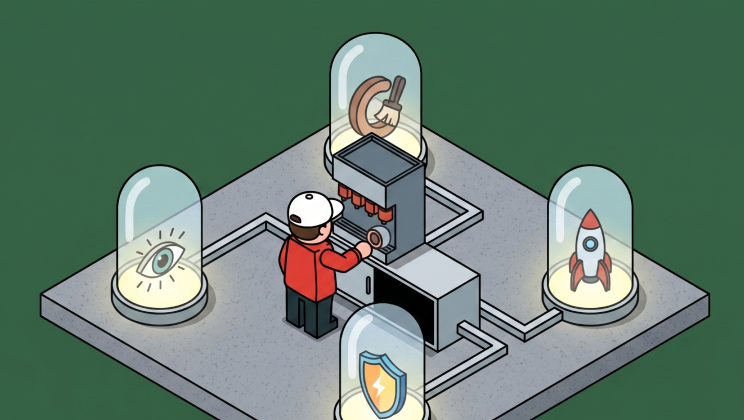
Before You Build Your Next MCP: Think Like a PM
Great engineering teams build technically perfect MCPs that nobody uses.
Why? Engineers think in capabilities. PMs think in jobs-to-be-done. The result? Poor MCP UX that gets ignored despite being technically sound.
Capabilities vs. Jobs
The difference is fundamental:
❌ Capability thinking: "Here are our API endpoints as tools"
✅ Jobs thinking: "Here's the job users are hiring AI to do"
Technical completeness doesn't equal adoption. Users don't care that your MCP exposes every API endpoint perfectly. They care whether it helps them get their job done.
Start With the Job
Think like a PM before you write a single line of code:
Talk to users. What are they actually trying to accomplish? Not what your API can do—what problems are they solving?
Simulate their workflow. Where will they interact with your MCP? Cursor? ChatGPT? n8n? The context matters.
Design for progress. People don't want products. They want to make progress. Your MCP should be a tool for progress, not a catalog of API endpoints.
Example: The Monday.com MCP
Let's say you're building the Monday.com MCP. Here's the wrong approach:
❌ Expose every API call:
get_ticket_by_idupdate_statuslist_all_itemscreate_boarddelete_item
Technically complete? Yes. Does it help users get their jobs done? No.
Here's the right approach:
✅ Design for actual jobs:
- "Show my ongoing tasks"
- "Create weekly summary"
- "What's blocking my team?"
- "Update all high-priority items to in-progress"
Same underlying API. Completely different UX. The second approach anticipates what users are trying to accomplish and makes it simple.
State of the Art
Some teams are already getting this right:
Apify anticipates web scraping workflows. While you're prompting, it fetches relevant actors in the background. It feels like magic because it's designed around the job of web scraping, not around their API structure.
Figma speaks designer language. Their remote MCP includes extensive resources so AI can handle various user journeys seamlessly. They mapped design workflows first, then built the MCP.
Plan Your Tools Around Jobs
When you understand the jobs, you can design your MCP properly:
Tools should map to actions users want to take, not just API endpoints.
Resources should provide context AI needs to help users complete their jobs.
Prompts should guide AI toward common job patterns, not just explain what each tool does.
Think like your user. Map the jobs they're hiring AI to do. Then build your MCP around those jobs.
The PM Hat Makes the Difference
Before you build your next MCP, put on your PM hat. Leave the engineer hat off—just for a bit.
Map the jobs. Talk to users. Simulate workflows. Design for progress, not capabilities.
Then—and only then—put the engineer hat back on and build something people will actually use.

MCP Apps Extension: Why Interactive UI Matters for Enterprise AI Agents
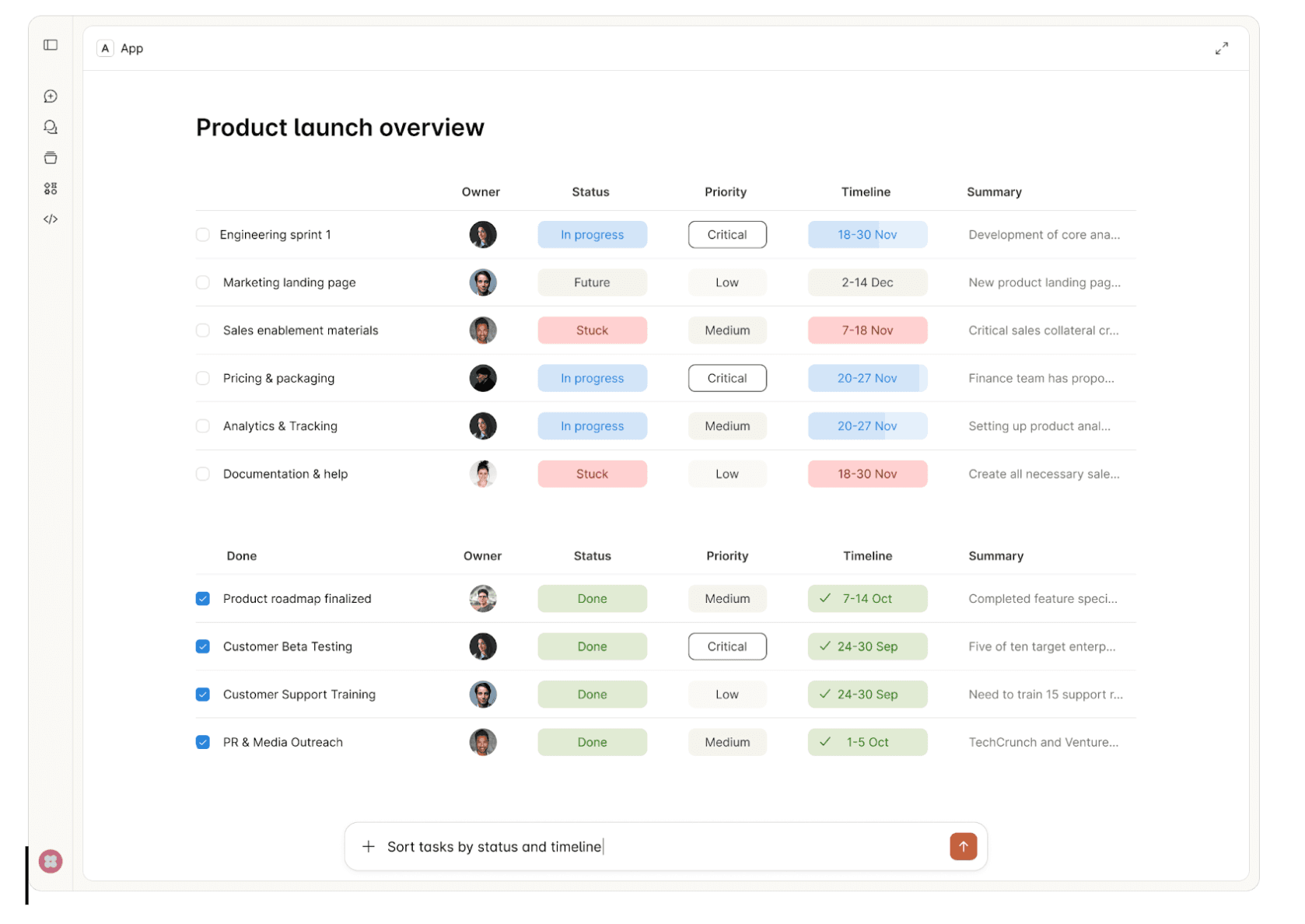
Chat-based interfaces aren't the right fit for every use case. There's a reason humans gravitate toward spreadsheets for financial data, inboxes for managing tasks, and dashboards for monitoring systems. These UI formats decrease cognitive load—they let us scan, compare, and act faster than parsing through conversational exchanges.
Try reviewing a multi-row budget variance in a chat thread. Or approving infrastructure changes by piecing together details from text messages. Or configuring an integration where 12 dependent fields need to be set correctly. Chat forces linear processing where spatial, visual, or structured interfaces would be natural.
This is why the MCP Apps Extension (SEP-1865) matters. The Model Context Protocol standardized how AI agents connect to tools, but constrained interactions to text and structured data. MCP Apps changes this by standardizing interactive user interfaces for MCP servers—enabling the right UI format for each use case, at scale, across the protocol.
What is the MCP Apps Extension?
The MCP Apps Extension standardizes how MCP servers deliver interactive UI resources to host applications. Three aspects matter for enterprise:
Pre-declared UI resources: Templates are declared upfront with the ui:// URI scheme, allowing security review before execution—critical for governance.
Security-first: UI content runs in sandboxed iframes. All communication uses JSON-RPC over postMessage, creating auditable trails. Hosts can require explicit approval for UI-initiated tool calls.
Standard transport: UI components use the existing MCP JSON-RPC protocol. All communication is structured, logged, and auditable.
In this article, we'll walk through ideas on how MCP Apps Extension can be incorporated into enterprise daily usage.
Enterprise Use Cases
1. Interactive Approval Workflows
Consider an AI agent provisioning AWS infrastructure for a new microservice. The request includes creating VPCs, security groups, IAM roles, and RDS instances across multiple environments. Reviewing this through text messages means parsing JSON configurations and mentally mapping dependencies between resources.
MCP Apps enables a structured approval interface showing the complete infrastructure change—visual network diagrams, security group rules in tables, IAM policy comparisons, and cost estimates. Approvers see what will change, why, and what depends on what. Security teams audit exactly what was presented at approval time, not just chat logs.
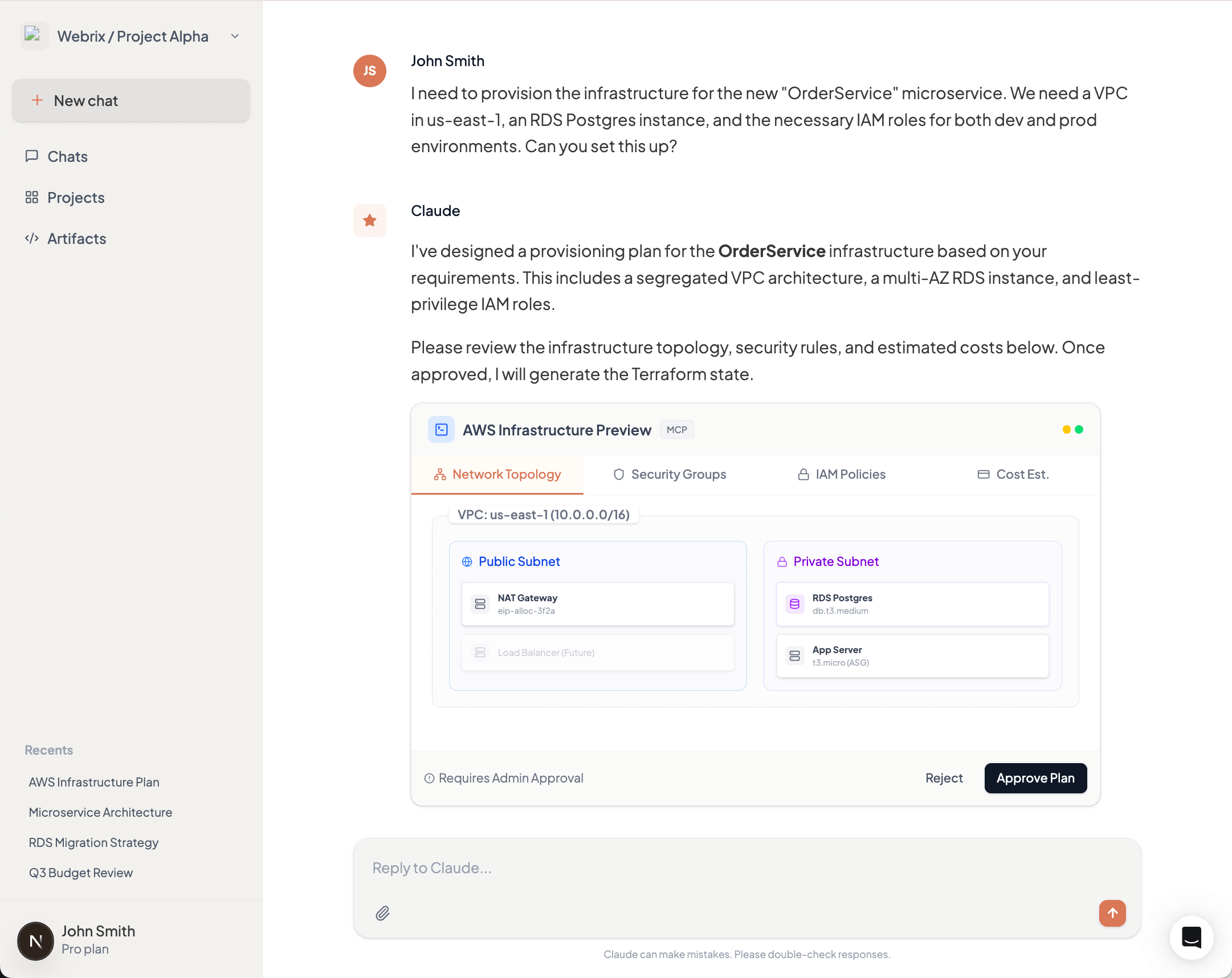
2. Data Visualization & Analytics
A product manager asks an AI agent for quarterly revenue breakdown by product line and region. The agent queries the data warehouse and returns 200 rows of CSV data. The PM now needs to import this into Excel or Tableau to spot trends, compare regions, and identify outliers.
MCP Apps returns an interactive dashboard directly in the AI interface—bar charts showing revenue by product line, a heat map of regional performance, and a sortable table with drill-down capabilities. The PM filters by region, compares quarters, and identifies the underperforming products immediately. No export, no context switch, no friction.
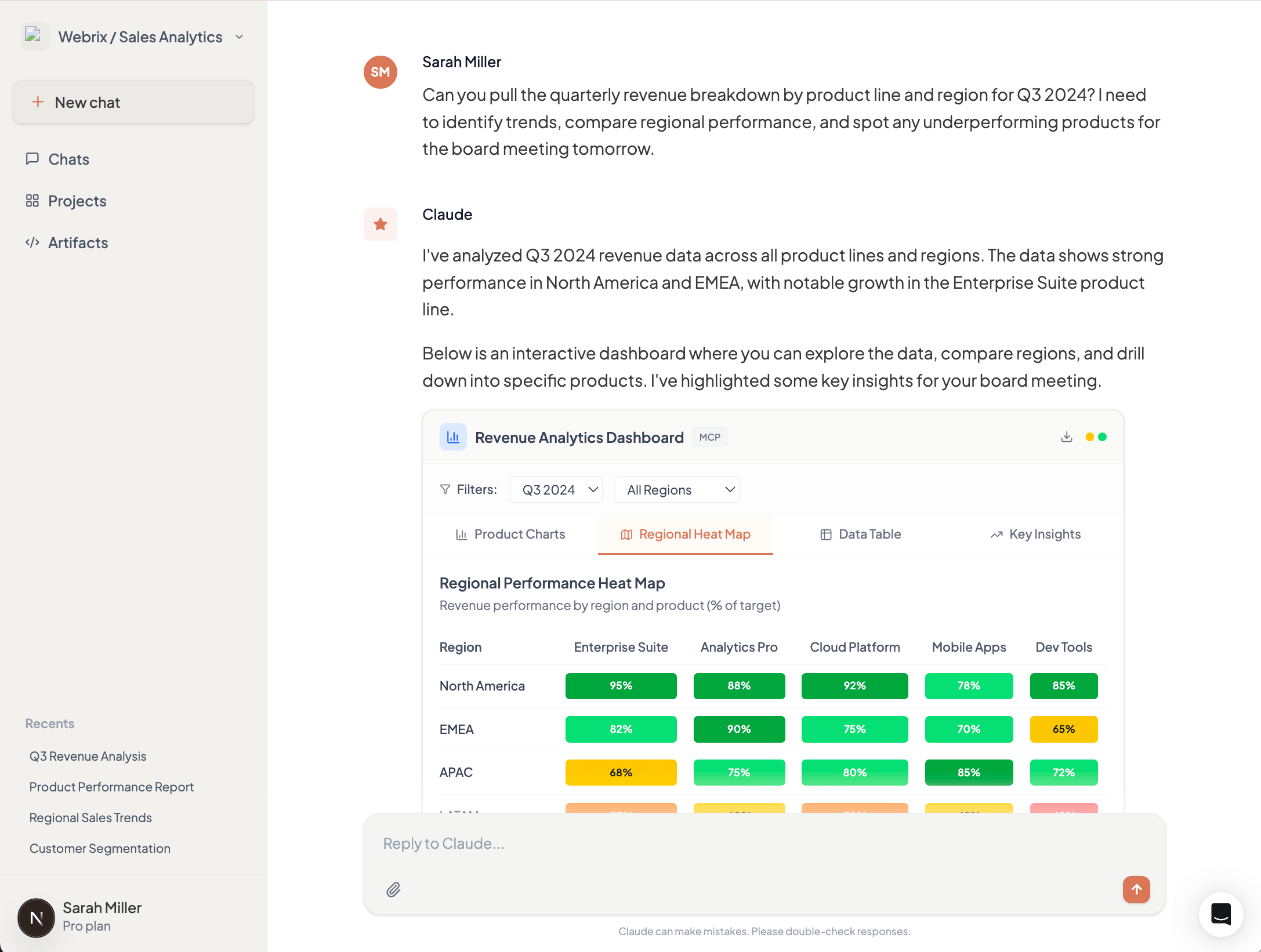
3. Configuration Management
Setting up access control for a new team member in your Okta organization requires configuring application access, group memberships, MFA policies, and role assignments. Through chat, this becomes a tedious back-and-forth: "Which apps?" "Should they have admin access?" "What MFA method?" Each answer affects subsequent options.
MCP Apps presents a multi-step configuration form showing available applications with descriptions, group hierarchies with permission previews, and MFA policy options with security implications. Invalid combinations are disabled with explanations. The entire setup takes minutes instead of hours of conversation, with immediate validation preventing configuration errors.
4. Compliance & Audit Interfaces
During a SOC 2 audit, your compliance team needs to prove that all production database access by AI agents was properly authorized. This means reviewing thousands of log entries and correlating them with approval records scattered across chat histories and approval systems.
MCP Apps provides an interactive audit dashboard showing all database access requests, who approved them, what data was accessed, and whether any policy violations occurred. Filter by date range, user, or database. Drill down into specific requests to see the complete approval chain. When auditors ask questions, demonstrate controls in minutes, not days.
Why This Matters for Enterprise Adoption
MCP Apps will solidify the Model Context Protocol as the foundation for enterprise AI infrastructure. By standardizing interactive interfaces, it enables developers to deliver rich experiences that match how people actually work—not forcing everyone to adapt to chat-based interactions.
This translates directly to productivity gains. Finance teams review dashboards, not JSON. Security teams approve changes through structured interfaces, not conversation threads. Operations teams configure integrations in minutes, not hours. When the interface matches the task, adoption accelerates across the organization, beyond just technical users who are comfortable with terminal-style interactions.
MCP Apps in Willow MCP Gateway
Willow MCP Gateway will support the MCP Apps Extension at GA, providing centralized UI security review, unified audit trails for all UI interactions, consistent policy enforcement across UI and text-based actions, and gradual rollout capabilities. Enterprises adopt MCP Apps without building custom infrastructure for UI security, auditing, and governance.
What This Means
The MCP Apps Extension (SEP-1865) is under community review. The specification starts lean—iframe-based HTML UIs and JSON-RPC communication—with plans to expand.
The collaboration between Anthropic, OpenAI, and MCP-UI to standardize these patterns prevents ecosystem fragmentation. For enterprises, the insight is clear: interactive interfaces enable workflows that don't map to text exchanges. As MCP servers evolve to handle complex enterprise use cases, appropriate interfaces become critical.
See the full MCP Apps Extension announcement for details.