



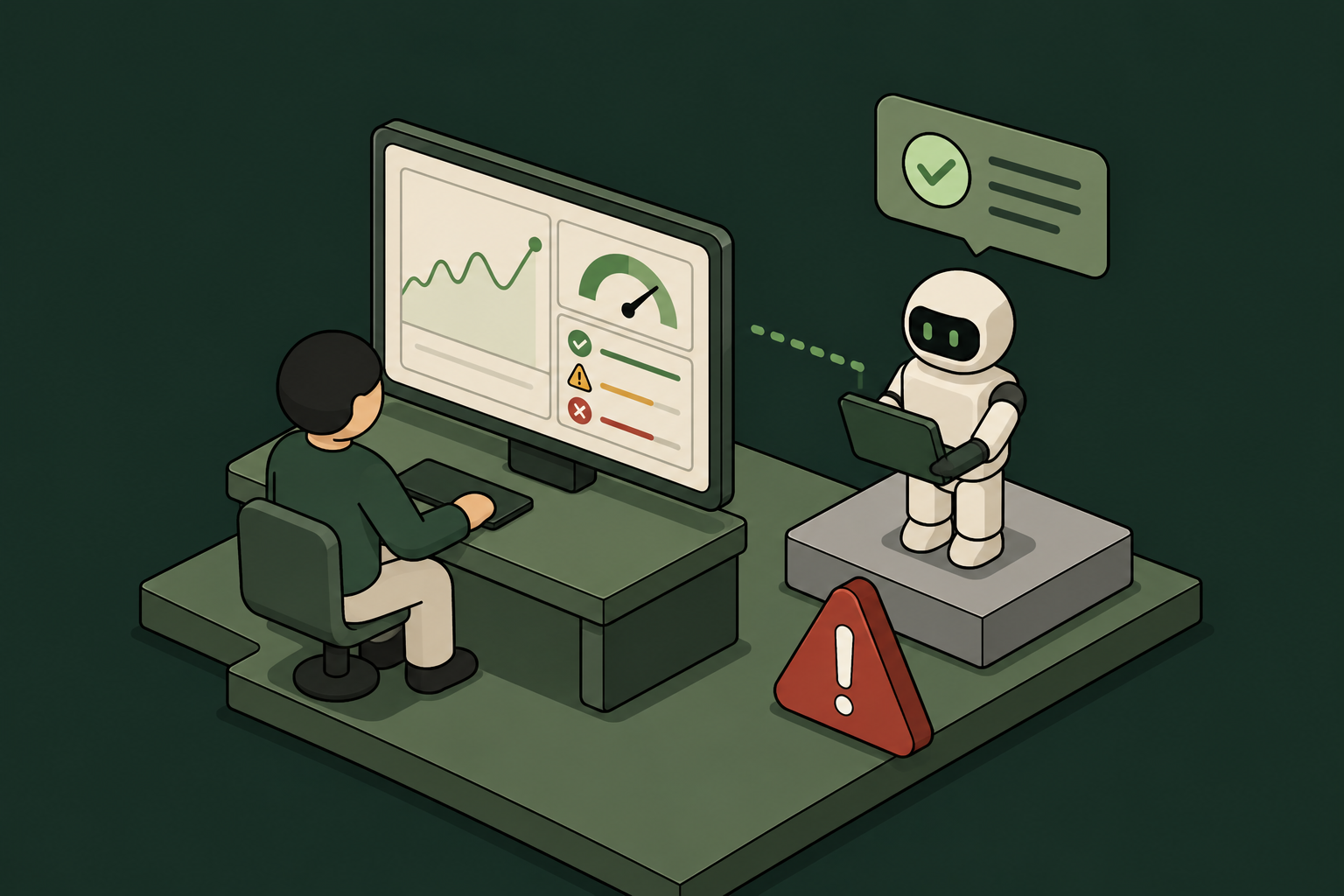
AI Agent Monitoring: How to Get Full Visibility Into What Agents Do in Production
Why Standard Monitoring Falls Short for AI Agents
Traditional observability tools were built for services, not agents. They track uptime, latency, and error rates – useful, but not the right questions when an agent has access to production systems.
What specific actions did this agent take in Jira? Which files did it read in GitHub? Did it touch data it wasn't supposed to? When did it last run, and who authorized it?
Those questions require a different kind of monitoring — one built around identity and action, not infrastructure health.
The Visibility Gap Most Teams Don't See Coming
The harder problem isn't monitoring the agents IT already knows about. It's the ones it doesn't.
Employees are spinning up agents and MCP connections without IT approval. A developer connects a Cursor agent to the company GitHub. A marketing manager builds a vibe-coded automation that touches Gmail and Attio. None of it goes through procurement. None of it appears in your SIEM.
Shadow AI is already in production. By the time a compliance audit surfaces it, that access has often been running for months.
What Full Visibility Actually Requires
Genuine AI agent monitoring has four components. Most organizations have one or two. Getting all four is what separates reactive incident response from proactive governance.
1. Agent Identity
You can't monitor what you can't identify. Every agent needs a real identity tied to your company directory – not a shared service account, not a hardcoded API key, not a generic credential that three people use interchangeably.
Agent identity should flow through your existing identity provider. If you're running Okta, Entra ID, or JumpCloud, agents should authenticate through the same OIDC, OAuth2, SAML, or JWT flows your human employees use. That way, every action an agent takes is attributed to a specific identity with a known owner.
Without this, your audit trail is essentially useless. You'll see that something accessed Jira at 2am. You won't know what, why, or whether it was authorized.
2. Action-Level Logging
Access-level logging tells you an agent connected to a tool. Action-level logging tells you what it actually did there.
The difference matters. An agent with read access to GitHub is very different from one with write access to the main branch. An agent that can view Jira tickets is very different from one that can close, reassign, or delete them.
Effective monitoring captures every MCP call, every tool invocation, and every specific action – not just the connection event. That's what makes an audit trail useful during an incident or a compliance review.
3. Shadow AI Discovery
Monitoring only the agents you've sanctioned leaves a significant blind spot. You need a way to surface agents that employees brought in without IT approval the moment they appear – not weeks later.
That means passive discovery at the network or identity layer, not periodic scans. When a new agent checks in or a new MCP connection appears, it should be visible immediately, with enough context to make a governance decision: allow, restrict, or block.
4. Credential Lifecycle Management
Monitoring doesn't end when an agent stops running. If the employee who owned an agent leaves the company, their credentials shouldn't keep working.
Automatic credential revocation tied to IdP offboarding is what closes this loop. When an employee offboards, every agent and integration they owned should lose access – no manual ticket, no delay, no orphaned credential sitting in a tool for months.
How to Structure AI Agent Monitoring in Practice
Here's a practical framework for getting real visibility into what agents do in production.
Start with inventory. You can't govern what you haven't found. Run a discovery pass to surface every agent and MCP connection in your environment, including the ones that came in without IT approval. This is your baseline.
Assign ownership. Every agent should have a human owner tied to your company directory – the person accountable for what the agent does, and the anchor for automatic revocation when that person leaves.
Define action-level permissions. Don't grant broad tool access. Grant specific actions within specific tools. An agent that needs to read GitHub pull requests doesn't need to merge them. Scoped permissions limit blast radius and make audit logs far easier to interpret.
Log everything at the action level. Every tool call, every MCP invocation, every data access – stored centrally so it's available for compliance reviews, incident investigations, and routine audits.
Set runtime guardrails. Monitoring is reactive by default. Guardrails make it proactive. Define what agents are and aren't allowed to do at runtime – PII access, specific data sources, external endpoints – and enforce those rules automatically, not after the fact.
Automate revocation. Tie credential lifecycle to your IdP. When an employee offboards, access goes with them. No manual cleanup required.
The Case for One Control Plane
The biggest operational mistake enterprises make with AI agent monitoring is building it from separate tools. One for identity. Another for logging. A third for shadow AI detection. A fourth for credential management.
Each tool has its own data model, its own alert format, and its own blind spots. Stitching them together creates gaps – and gaps are where incidents happen.
The more practical approach is a single control plane where every agent checks in. Identity, access, audit logging, shadow AI discovery, and credential revocation all operate from the same policy layer. Security defines policy once. Enforcement happens automatically across every agent, sanctioned or not.
Willow is built on this model. Enterprises connect it to their existing IdP, grant agents scoped action-level permissions to tools like Jira, GitHub, Gmail, and Attio, and get a full audit trail on every agent action and MCP call. Shadow AI surfaces the moment it appears. Credentials revoke automatically when employees leave. Wix, Innovid, Papaya Global, Riskified and many more run it in production.
What to Look for in an AI Agent Monitoring Solution
If you're evaluating options, these are the questions worth asking:
A solution that checks all six is rare. Most cover two or three and leave the rest to your team.
Getting visibility into what AI agents do in production isn't something you can defer. The agents are already there. The access is already granted. The question is whether you have a record of what happened — and the ability to respond when something goes wrong.
Start with identity. Build toward action-level logging. Make revocation automatic. And put it all in one place, not three tools you're hoping will talk to each other.
Learn more at withwillow.ai.
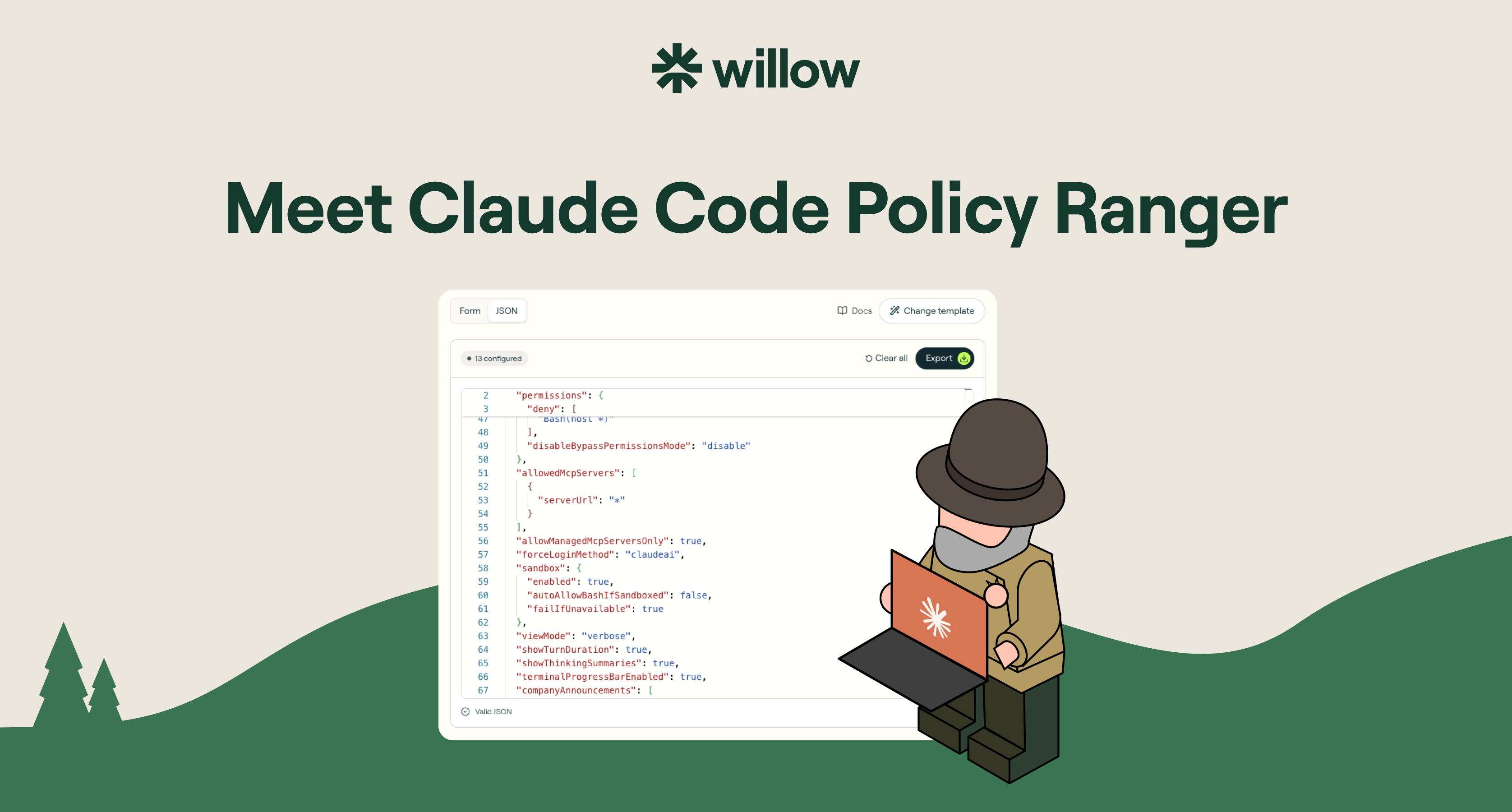
Claude Code Policy: Write Managed Settings Fast
If your developers are using Claude Code, one file decides what it is allowed to do on their machines: the managed-settings file. It can lock down almost anything. That power is also the problem. Most security and platform teams open it, see how much it covers, and freeze on what to actually set.
This is a practical guide to what a Claude Code policy is, what you can control with managed settings, and how to write one in minutes instead of hand-editing JSON.
What is a Claude Code policy?
A Claude Code policy is a set of managed settings that govern how Claude Code behaves on a machine: which tools it can use, which commands it can run, which MCP servers it can reach, and more. It is defined in a managed-settings file and enforced at the system level, pushed through your MDM. The key word is managed. Unlike local settings, a developer cannot edit it away or skip it.
For any team rolling Claude Code out past a handful of engineers, this file is the difference between governed adoption and hoping for the best.
Managed settings vs local settings
Local settings live in the developer's home directory. Anyone can edit them, delete them, or bypass them with a single flag. They are a suggestion.
Managed settings are policy. They are pushed through your MDM (Jamf, Intune, or your tool of choice), enforced on every session, and a developer cannot override them. This is how you say yes to Claude Code without betting your codebase on the honor system.
What you can control with Claude Code managed settings
The managed-settings spec is broad. The main controls:
- Bash commands. Allow, ask, or block per command. Stop
curl,wget,sudo,git push,scp, andrsyncbefore they run. - MCP servers. Managed servers only, or none at all. No developer wiring an unreviewed server into your repo.
- Model configuration. Force Claude.ai account login, block raw API keys at startup, set the models you allow.
- Hooks. Disable hooks entirely, or scope exactly which ones can fire.
- Secrets and files. Block reading
.env,secrets/**, SSH keys, AWS credentials, and service-account files. - Network tools. Block
WebFetch,WebSearch,curl,wget, andncfor air-gapped sessions. - Bypass mode. Disable
--dangerously-skip-permissionsso no one steps around the policy.
That is real coverage. It is also exactly why teams stall: a blank file with this much surface area is intimidating, and the docs tell you what each setting does, not what you should set.
Why teams stall, and how to skip it
The honest pattern we see across rollouts: the managed-settings file is powerful but vague, so the policy ends up half-written, copied blind from a gist, or never written at all. The teams that most need governance are the ones staring at a blank JSON file on a Friday afternoon.
The fix is not more documentation. It is a starting point. Begin from a hardened baseline a real security team would ship, then adjust.
Write a Claude Code policy in minutes with Policy Ranger
Policy Ranger is a free Claude Code policy builder. Pick a baseline, tune the rules in a visual editor, and export the file your MDM can push. No hand-written JSON, no signup.
It is built on Anthropic's published managed-settings spec, with defaults drawn from real Claude Code rollouts at companies governing AI in production, including Wix, Innovid, and Riskified. You are not starting from zero. You are starting from a policy that already reflects how careful teams deploy.
Pick a baseline by risk level
Start from the tier closest to your posture, then make it yours:
- Minimal. Light guardrails, zero workflow friction.
- Standard. The recommended baseline for most teams.
- Strict. Hardened for security-conscious organizations.
- Lockdown. Maximum restriction. Read-only, agent-free.
Deploy it across every machine via MDM
Export in the format your stack uses: managed-settings.json for Linux and file-based deployment, a .mobileconfig for macOS MDM, or a .reg file for the Windows Registry. Push it through Jamf, Intune, or group policy, and it enforces system-wide. Developers cannot override it.
Beyond Claude Code
A Claude Code policy governs one agent on the machines you push it to. But your developers are also running Cursor, ChatGPT, Gemini, and the MCP server someone installed this week. Governing every agent, with identity, runtime guardrails, shadow-AI detection, and a full audit trail, is what Willow does as a platform. Policy Ranger is the free first step.
FAQ
Is Policy Ranger free? Yes. Unlimited policies, every tier, every export format. No signup to build or export.
Can developers override a managed-settings policy? No. Managed settings are enforced at the system level through your MDM. That is what separates managed settings from local settings.
What can I export? managed-settings.json for Linux and file-based deployment, .mobileconfig for macOS MDM, and .reg for the Windows Registry.
Is this an official Anthropic product? No. Policy Ranger is built by Willow on Anthropic's published Claude Code managed-settings spec.
Build your Claude Code policy
Stop hand-writing JSON. Pick a baseline, tune the rules, and export for your MDM in minutes. Build your policy, free.